

About Simple Google reCaptcha
Simple Google reCaptcha
This module provides Google reCAPTCHA protection for Drupal forms. In comparison to other modules the main goal is to keep configuration as simple as possible, and simple to support following setups/scenarios:
- Caching - support any caching strategies ( Internal page cache, Memcache, Varnish, Purge )
- Multiple instances - support multiple forms rendered on the same page
- Minimum dependencies - avoid dependency of multiple contrib modules, PHP libraries and 3rd party tools
Supported reCAPTCHA types
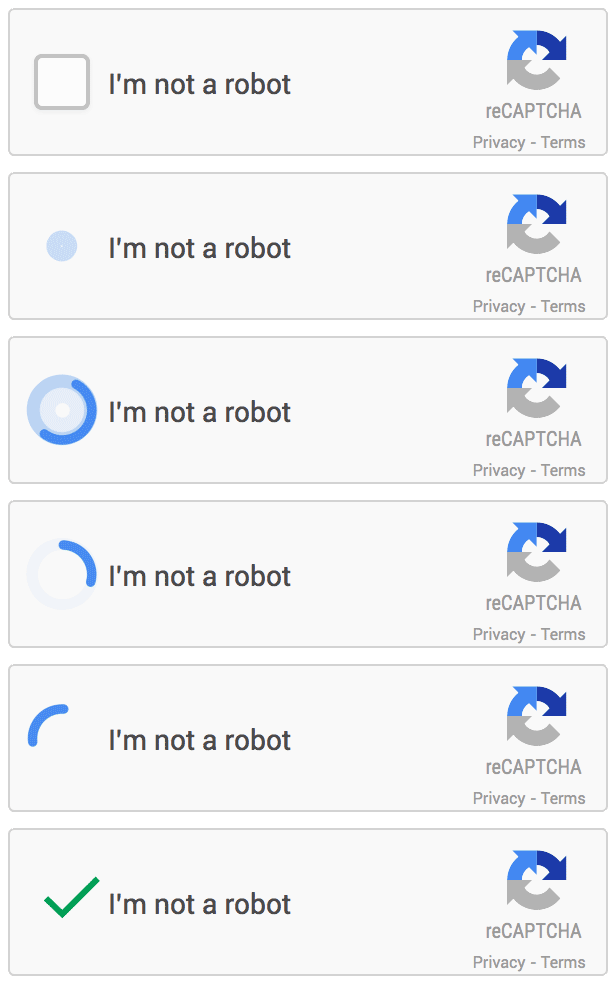
- reCAPTCHA v2 (checkbox)
- reCAPTCHA v3 (invisible)
Chosen protection type can be configured for any form by adding form ID to configuration, and for any webform by adding reCAPTCHA handler
How to start
1. Installation
Run composer to install the module:
$ composer require drupal/simple_recaptcha:^1.0
2. Configuration
Navigate to /admin/config/services/simple_recaptcha to set up reCAPTCHA keys and desired reCAPTCHA protection type.
Both keys can be found in Google reCaptcha admin dashboard
3. Permissions
This module provides two types of permissions:
- Administer Simple Google reCaptcha - allows user to access configuration page
- Bypass Simple Google reCaptcha verification - allows to skip reCaptcha validation on forms
To configure user permissions visit /admin/people/permissions
4. Add reCaptcha validation to forms
Currently there are two ways to add reCaptcha validation to forms:
- By adding form ID of any form at admin/config/services/simple_recaptcha
- By adding reCaptcha handler to the webform - after enabling simple_recaptcha_webform module this can be added in webform handlers settings (/admin/structure/webform/manage/{webform}/handlers ).
For more details and technical description, please check the README file
| Attachment | Size |
|---|---|
| recaptchav2.gif | 58.48 KB |
Project information
- Project categories: Security, Integrations
 4,133 sites report using this module
- Created by sandboxpl on , updated
 Stable releases for this project are covered by the security advisory policy.
There are currently no supported stable releases.
Releases
Drupal 11 compatibility
Development version: 8.x-1.x-dev updated 20 Dec 2024 at 11:38 UTC


