

What is this module?
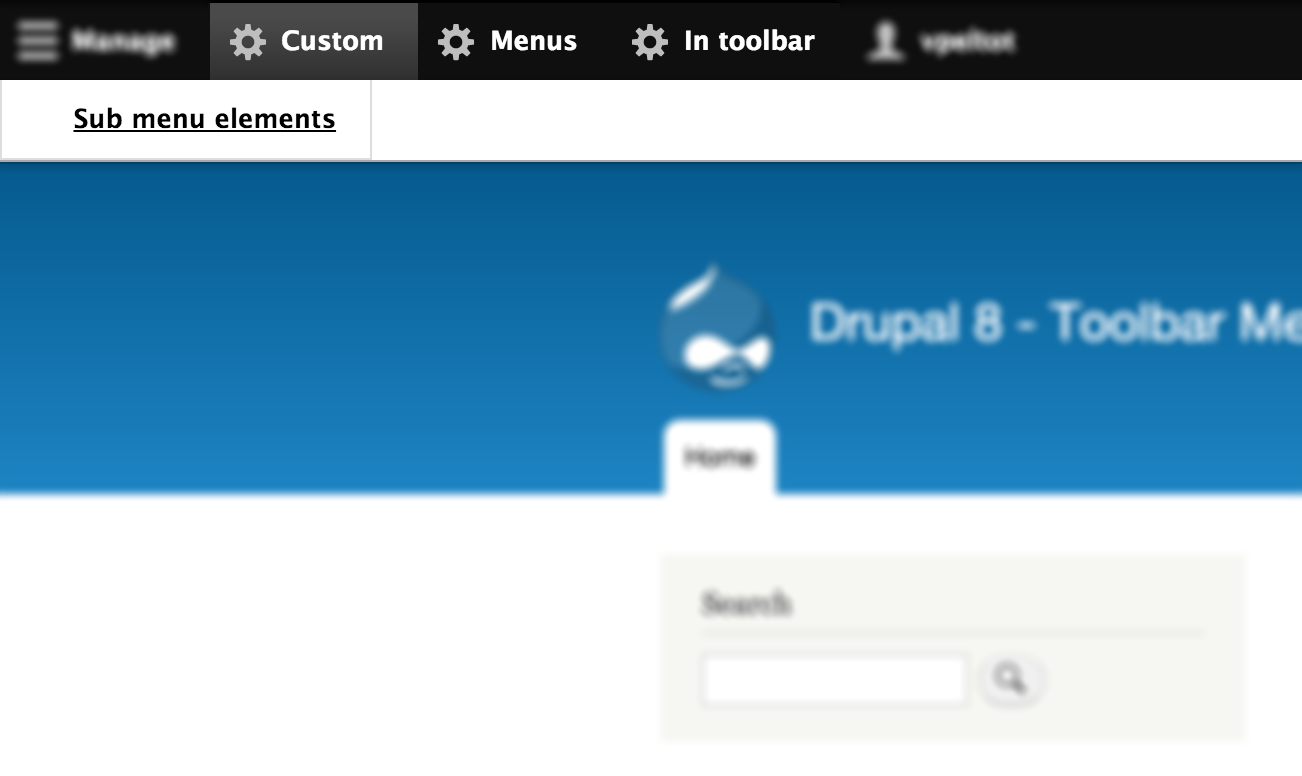
Add your favorite menu in the Drupal Toolbar
What's new?
Toolbar Menu is now compatible with Admin Toolbar module to view your different menu into a drop-down menu.
How does it work?
- Manage your menus (Structure > Menu)
- Go to Config > User Interface > Toolbar Menu > Toolbar Menu settings
- Add a new toolbar menu element
- Choose which menu you want associate with this new toolbar element
- Save the configuration
- Go to People > Permissions
- Check the permissions you want apply in the Toolbar Menu section
- Your selected menus must appears in the toolbar
Requirements :
- Toolbar module
Complementary modules
Admin Toolbar
| Attachment | Size |
|---|---|
| toolbar_menu.png | 85.37 KB |
Project information
- Project categories: Administration tools, Content display, Developer tools
- Ecosystem: Toolbar
 6,648 sites report using this module
- Created by vpeltot on , updated
 Stable releases for this project are covered by the security advisory policy.
Look for the shield icon below.


