

 The 2026 Drupal Business Survey is open. Your response will help shape the future of the Drupal business ecosystem.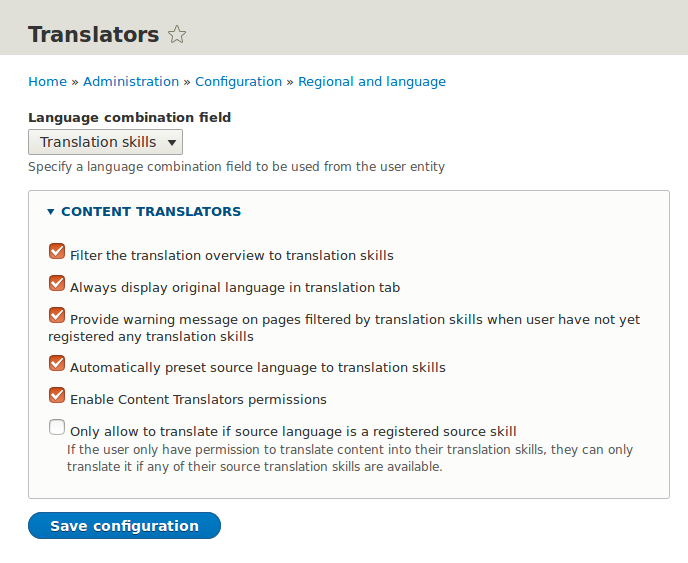
This project is not covered by Drupal’s security advisory policy.
Manage and facilitate for translators at your site by providing all users a Language Combination field where they can register their translation skills. Then you can configure different features such as:
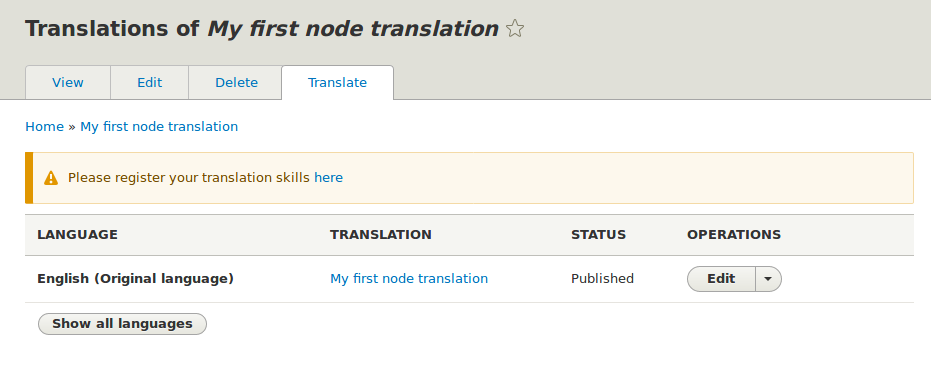
- Filter the content translation overview to display only languages the user have registered (the full list will be displayed by clicking at button "Show all languages" under the table).
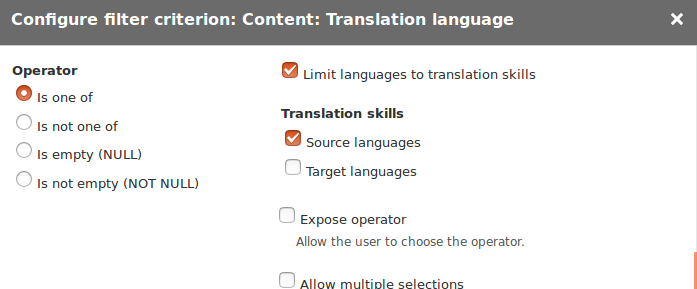
- Filter content translation of rows in views and also target translation language on Translation Views to the users translation skill.
- Request registration of translation skills if user visit pages filtered by translation skill and they don't have any registered.
- Preselect the translation source to the users translation skill
- Permissions for users to only create / edit / delete translations and content in their registered translation skills
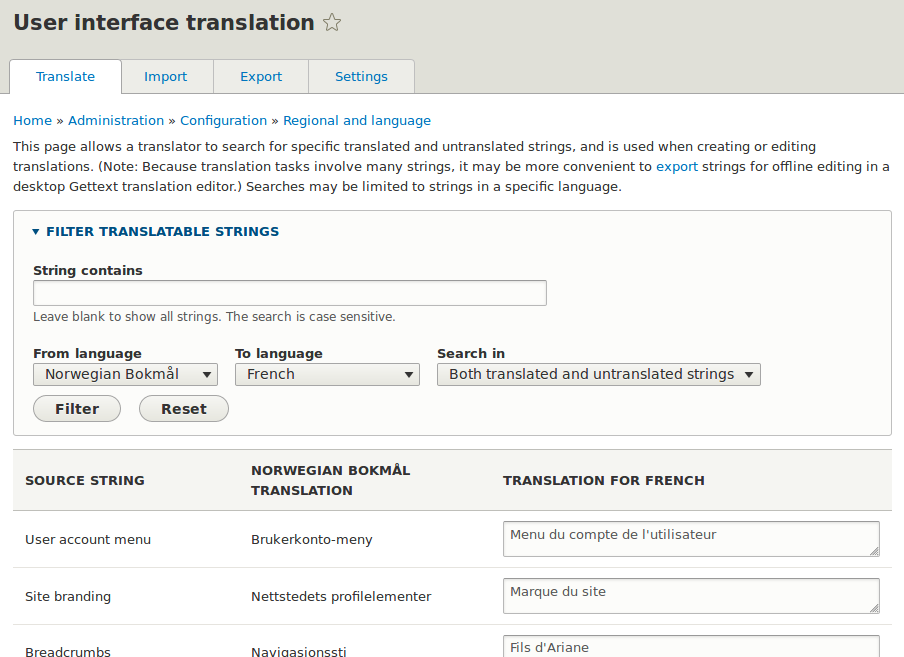
- When translating the interface the user can see the source string in other translations than English. You can also limit to only allow interface translations the users have registered.
Requirements
Minimum Drupal version 8.8.0
Supporting organizations:
Project information
 Maintenance fixes only
Considered feature-complete by its maintainers. 3 sites report using this module
- Created by matsbla on , updated
 This project is not covered by the security advisory policy.
Use at your own risk! It may have publicly disclosed vulnerabilities.
Releases
8.x-1.0-alpha9
released 23 March 2023
Works with Drupal: ^8.8 || ^9 || ^10
Install:
Development version: 8.x-1.x-dev updated 23 Mar 2023 at 18:20 UTC


