

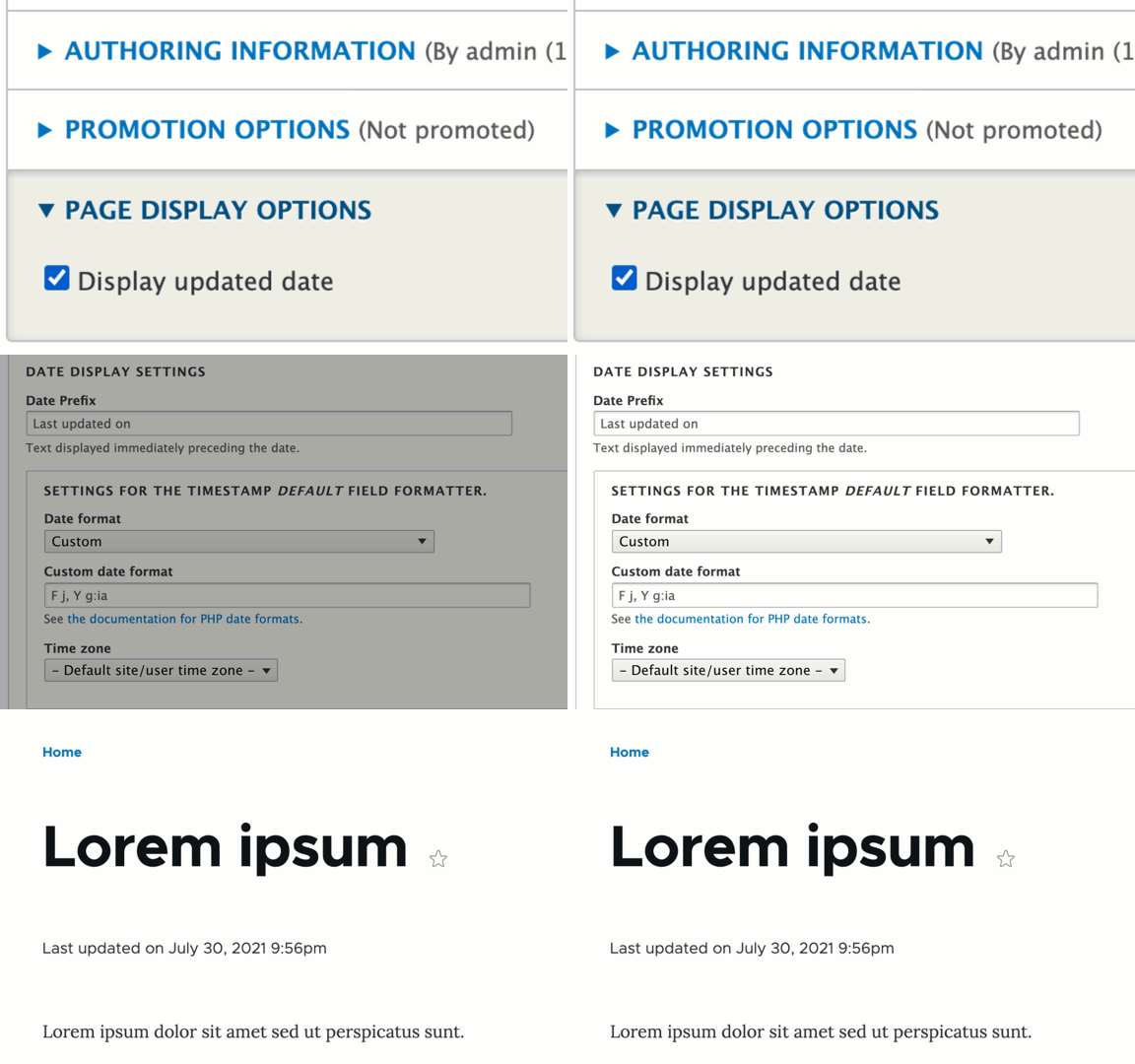
 The Last Updated module provides a checkbox on the node form that allows editors the choice to display an "Updated" date, distinct from the "Authored on" date.
Features
- Control the placement of this information through the Block Layout UI
- Control the text and date format of the display
- Set a default value for newly created nodes, per node type
Configuration
- Configure user permissions at Administration » People » Permissions (
/admin/people/permissions). The permissionConfigure the display of the node last updated dategrants the ability to toggle the display of the last updated date on all node types; users with the additional Administer content types permission will be able to set the default display (on/off) per node type. - Place the "Last Updated date block" block in the active theme layout at Administration » Structure » Block layout (
/admin/structure/block). Typically, this would be placed in the main content region, either preceding or following the "Main page content" block. - Optionally set the default display for existing content types at Administration » Structure » Content types (
/admin/structure/types). On the "Edit" tab for each content type, use the "Page Display Defaults" section to set whether new nodes should default to having the display of the last updated date toggled on or off (this is just the default, and can be toggled on or off on the individual node).
Supporting organizations:
Initial module development
sponsored initial development
developed Drupal 9 version
Project information
 Seeking co-maintainer(s)
Maintainers are looking for help reviewing issues.- Maintenance fixes only
Considered feature-complete by its maintainers. - Project categories: Content display, Content editing experience
 1,247 sites report using this module
- Created by jenlampton on , updated
 Stable releases for this project are covered by the security advisory policy.
Look for the shield icon below.


