

The User hash module allows you to create an individual hash for each user.
Use case
You can use the hash as a light weight user identification where you do not want to use the Drupal login credentials, e.g. as an individual API Key for reading insensitive content.
The module does not implement such functionality. However, the Drupal 7 version implements a function to compare hashes preventing from timing attacks.
Settings
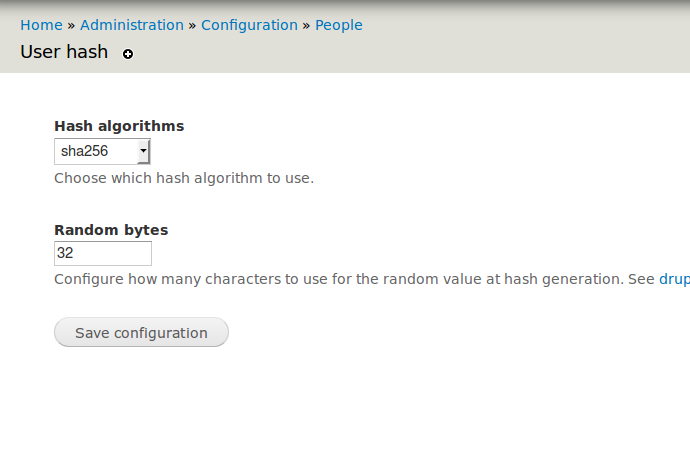
You can configure which PHP hash algorithm to use and how many characters for the random string when generating hashes.
Generation
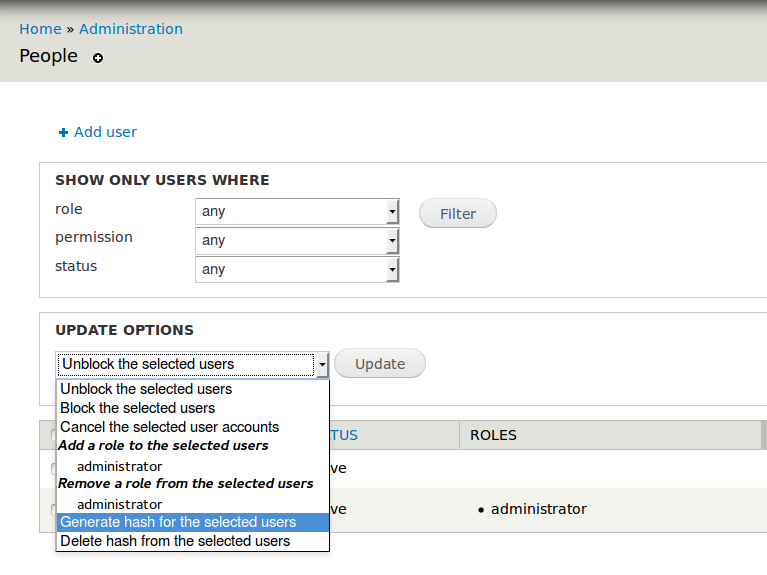
The user hash module adds update options on the user list page for generating and deleting user hashes.
A new user hash will replace an existing one. No need to delete the old one first.
Display
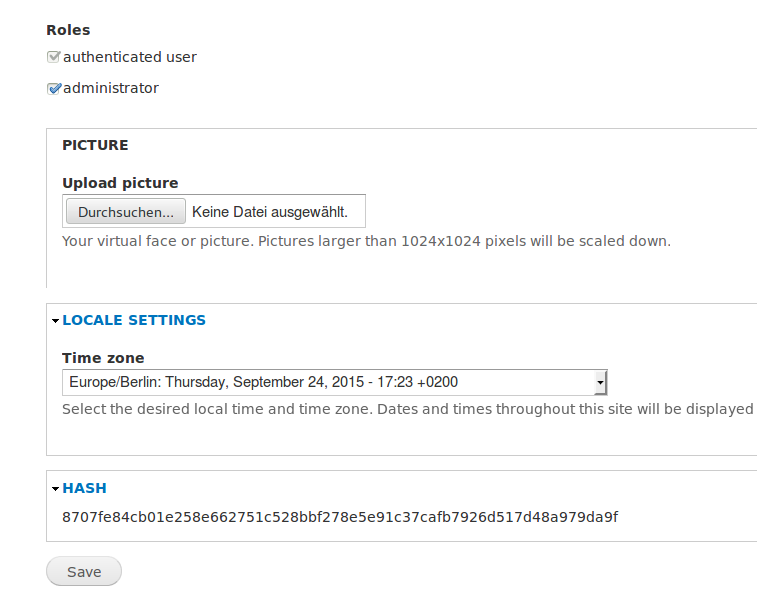
The user hash is displayed read-only on the user edit form (only Drupal 7) and on the user profile if the user has 'administer user' permission or if it is his own account.
The display and position of the hash can be configured if the Field UI module is enabled.
In Drupal 8 you can display the user hash on the user list page by editing the corresponding view.
Authentication Provider
In Drupal 8 you can use the hash for REST API authentication.
Project information
 Maintenance fixes only
Considered feature-complete by its maintainers.- Project categories: Access control
 17 sites report using this module
- Created by boromino on , updated
 Stable releases for this project are covered by the security advisory policy.
Look for the shield icon below.


