

The Visual Distribution Operator (VDO) management system helps developers manage the base code development work cycle for custom recipes/distributions. Constructing your Linux development computer or servers.
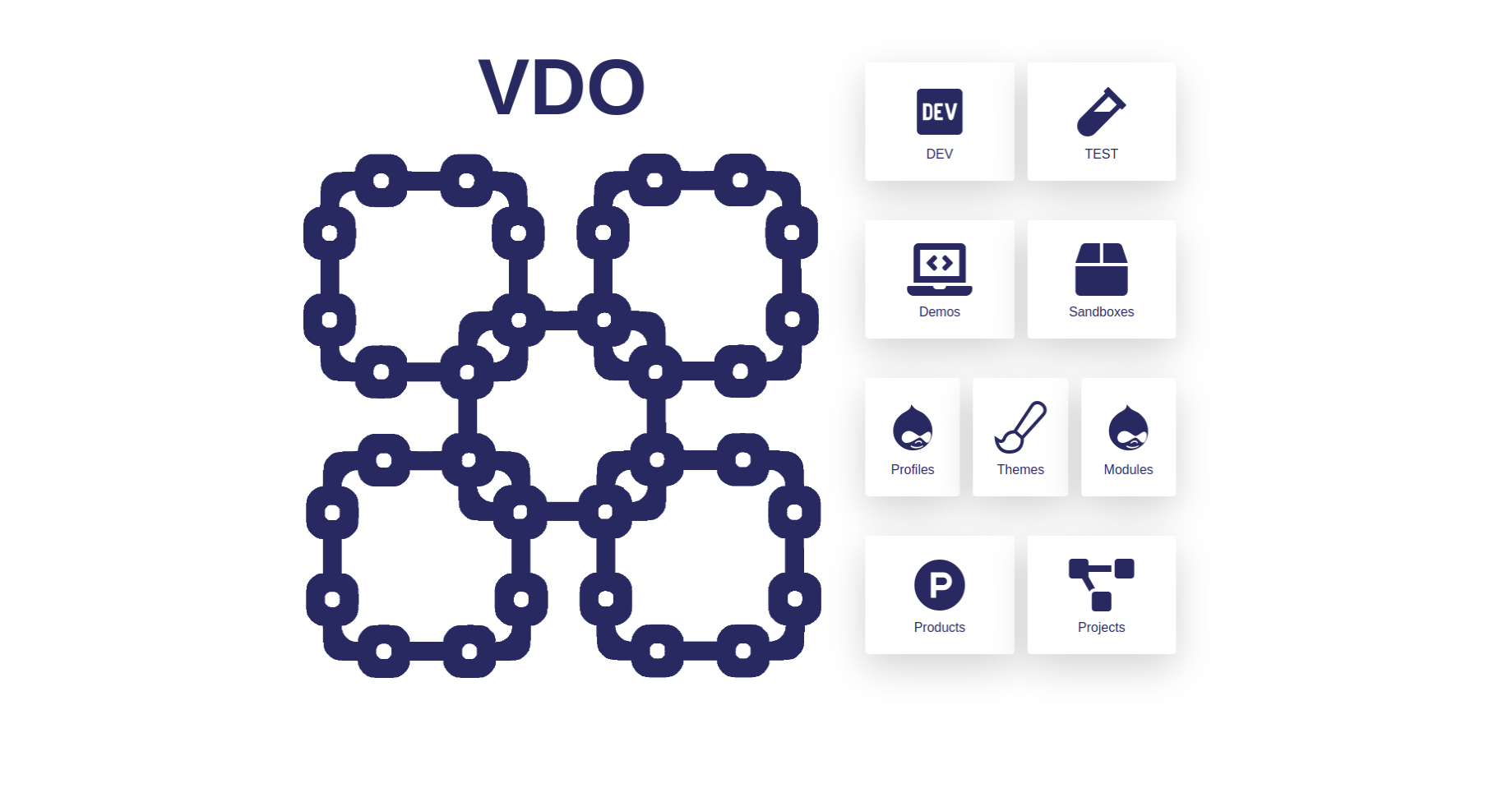
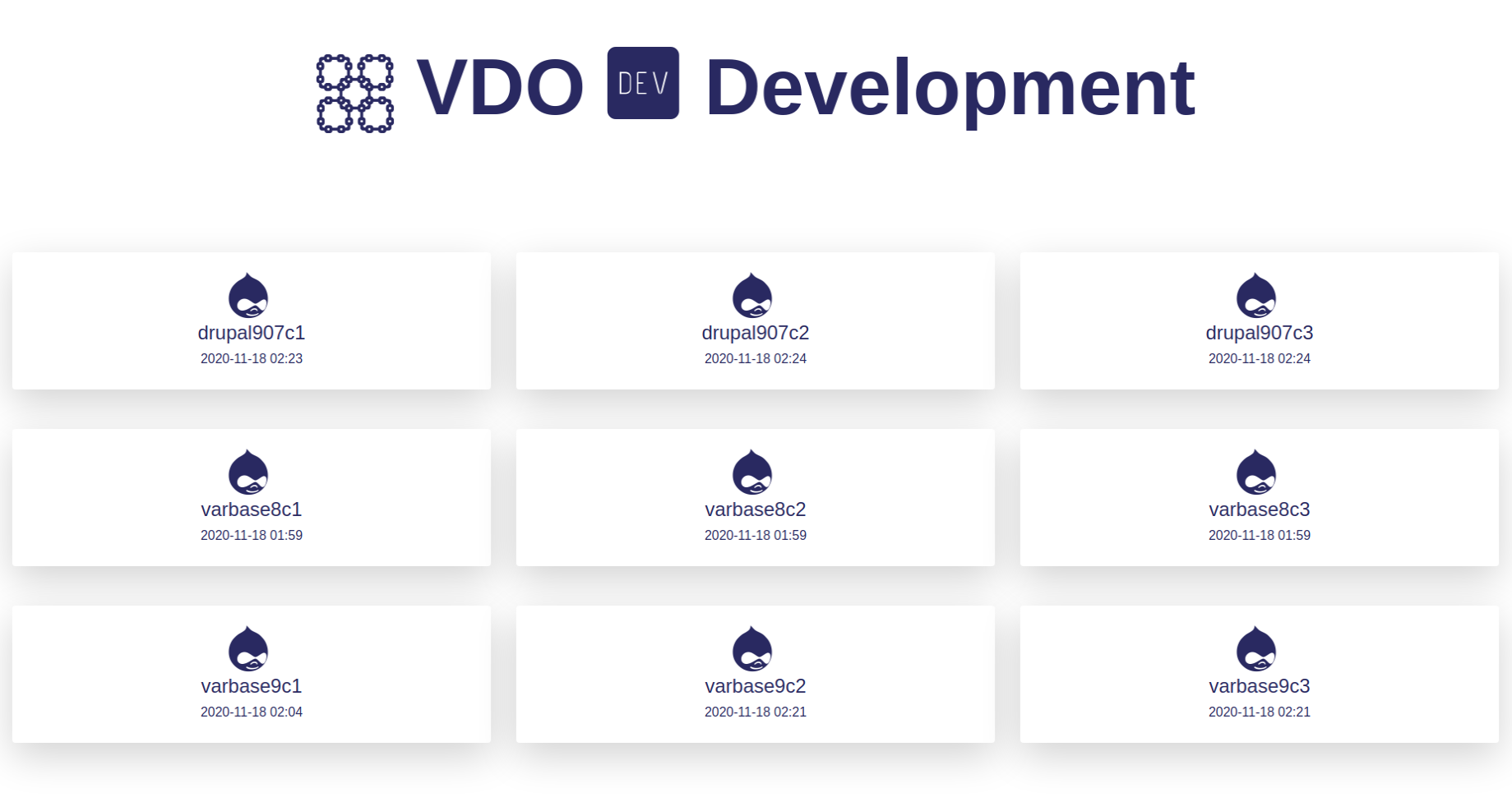
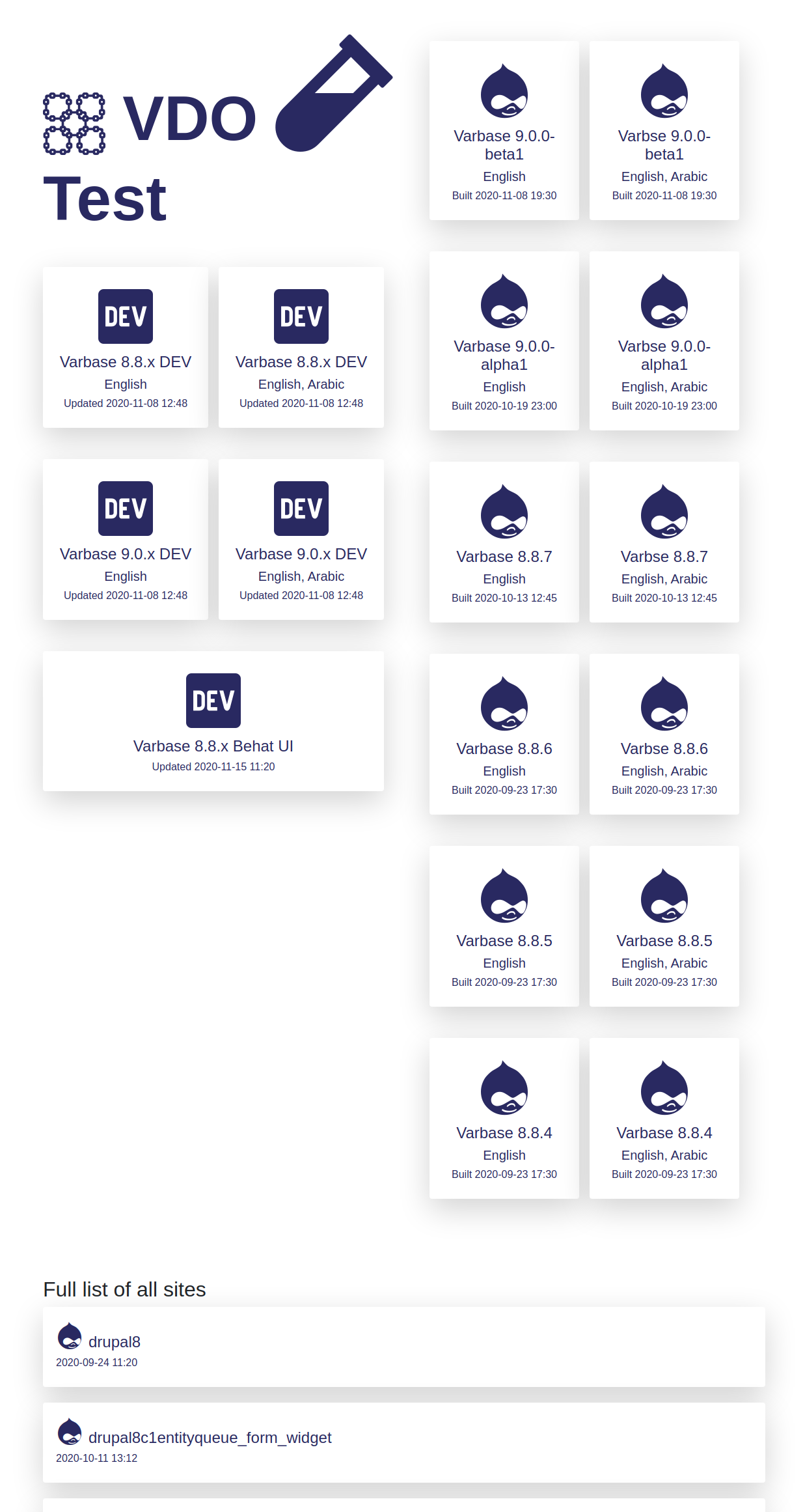
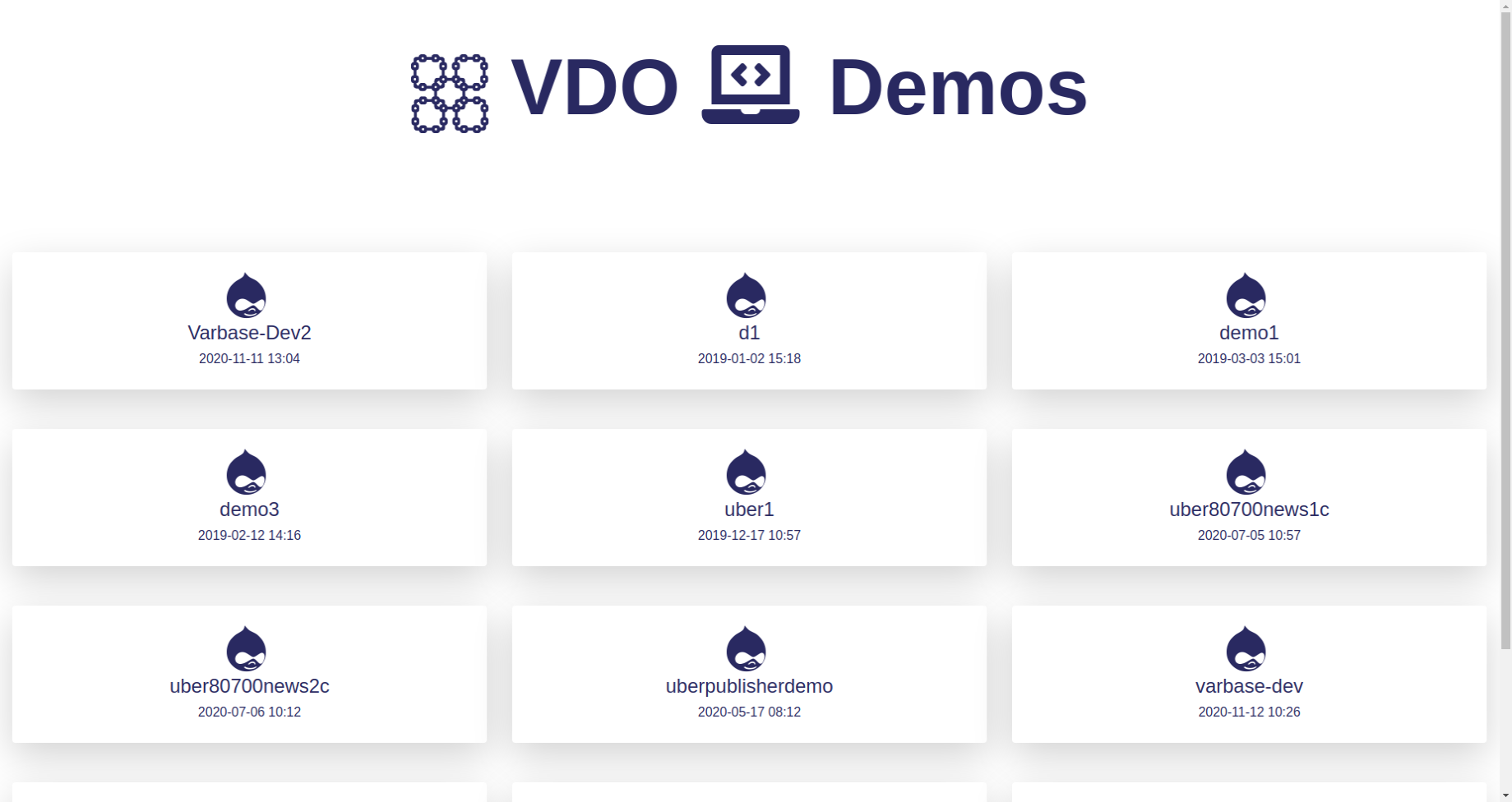
Please backup the /var/www/html and mysql databases;
Try VDO with new systems only.
After Installing Ubuntu for example you could run the following bash command to setup LAMP on Ubuntu systems.
If you get the VDO bash files from
sudo rm -rf /var/www/html
cd /var/www/
sudo chmod 775 -R . ; sudo chown www-data:$USER -R .
git clone --branch '11.0.x' https://github.com/webship/vdo-project.git
mv /var/www/vdo-project /var/www/html
cd /var/www/html/
rm -rf .git
composer install -vvv
rm -rf composer.lock composer.json
sudo chmod 775 -R . ; sudo chown www-data:$USER -R .
Then you could edit the VDO config file to work for your system:
Edit the following file with vim or any selected text file editor
vim /var/www/html/vdo/config/vdo.settings.yml
You will see something like:
vdo:
  root: /var/www/html
  path: /var/www/html/vdo
  scripts: /var/www/html/vdo/scripts
  config: /var/www/html/vdo/config
  host: localhost
  web: http://localhost/vdo
  backups: /var/www/html/backups
database:
  username: DATABASE_USERNAME
  password: DATABASE_PASSWORD
  host: DATABASE_HOST
  port: 3306
  namespace: Drupal\\Core\\Database\\Driver\\mysql
  driver: mysql
  collation: utf8mb4_general_ci
account:
  name: DRUPAL_WEBMASTER_NAME
  pass: DRUPAL_WEBMASTER_PASSWORD
  mail: DRUPAL_WEBMASTER_EMIL
config_sync_directory: ../config/sync
workspaces:
  - products
  - dev
  - test
  - demos
  - sandboxes
  - profiles
  - modules
  - themes
  - libraries
  - forked
After you have made your changes you could install the global variables.
cd  /var/www/html/vdo/scripts/install
bash install.sh
Close all terminal windows!
And open a new one
Test that we are ready by
echo ${vdo_config}
If "/var/www/html/vdo/config" was printed,which mean we are ready for the next step.
To test that the VDO settings are working
If you go to DEV you can find many bash files that could help you in your development of the profile.
Drupal Recommended project example:
cd /var/www/html/dev/
bash cmd-vdo-drupal10-recommended-project.sh drupal10x05x04 --install
Varbase distribution example:
cd /var/www/html/dev/
bash cmd-vdo-varbase10-1-x-project.sh varbase10x01b1 --install --add-users
Vardoc distribution example:
cd /var/www/html/dev/
bash cmd-vdo-vardoc4-0-x-project.sh vardoc40x1 --install --add-users
Webship distribution example:
cd /var/www/html/dev/
bash cmd-vdo-webship11-0-x-project.sh webship10x1 --install --add-users
Cucumber distribution example:
cd /var/www/html/dev/
bash cmd-vdo-cucumber11-0-x-project.sh cucumber90x1 --install --add-users
Webships distribution example:
cd /var/www/html/dev/
bash cmd-vdo-webships2-0-x-project.sh webships2x00x01b1 --install --add-users
Create custom VDO bash:
Having a new dev or test bash files to add more work or commands in them. Add the heading in a new file then use any of the ready variables by the VDO bootstrap settings or the workspace settings or values.
Example:
cd /var/www/html/dev/
vim cmd-vdo-example.sh
Then in the file, you could add the following:
#!/bin/usr/env bash

# Bootstrap VDO.
. ${vdo_scripts}/bootstrap.sh ;

# Load workspace settings and extra lists.
eval $(parse_yaml ${vdo_config}/workspace.dev.settings.yml);

echo "*---------------------------------------------------------------------------------------*";
echo "|  Build Drupal Project  and add 100 modules in one command";
echo "*---------------------------------------------------------------------------------------*";
Have your own YML files. Read them in bash files as arraies of variables.And use them in custom bash file in the way you like:
eval $(parse_yaml ${path_to_the_yml_file}/name-of-file.yml);
Have a look at the number of bash files like the themes, profiles. or test in
https://github.com/webship/vdo-project
Learn by example. For sure have your naming or coding style or any language in the bash files, like python, C, PHP, or normal Bash.
Project information
- Created by rajab natshah on , updated
 Stable releases for this project are covered by the security advisory policy.
There are currently no supported stable releases.


Products:
Where custom distributions/profiles base code are maintained.