

Description
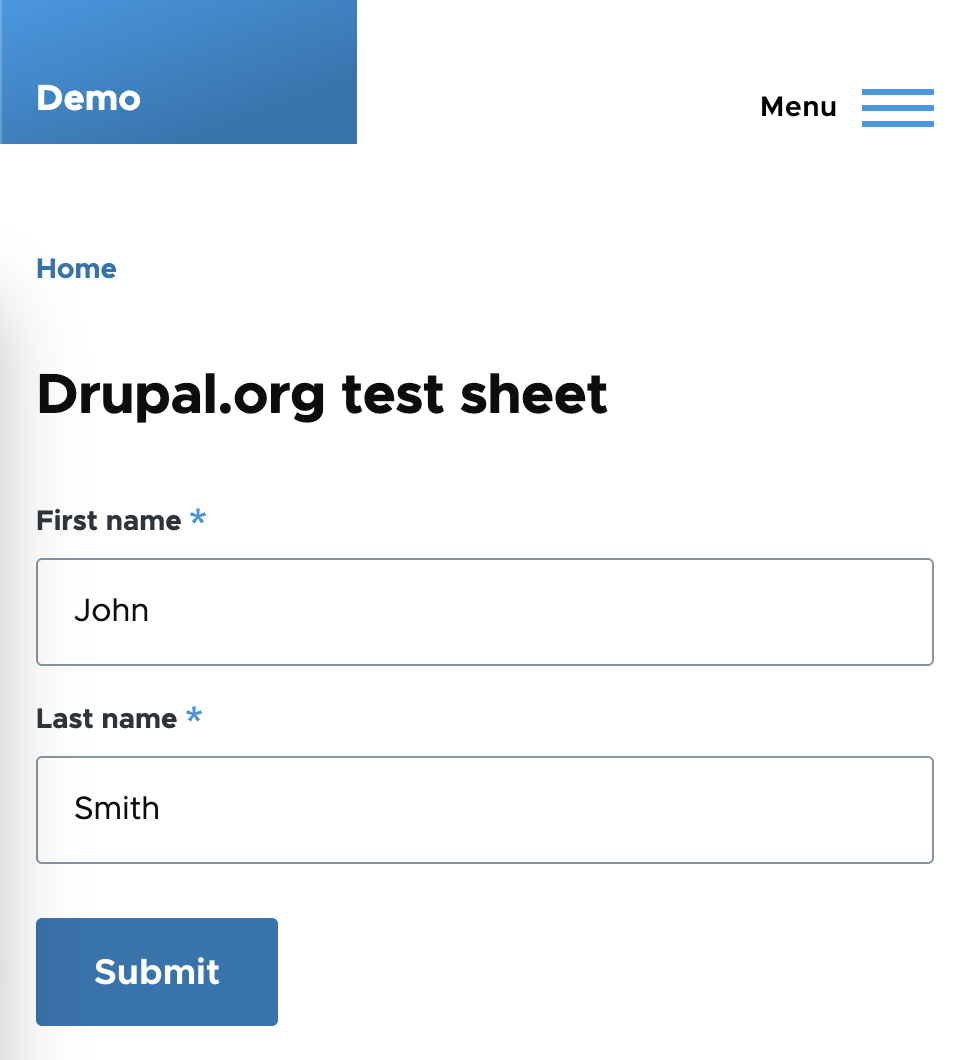
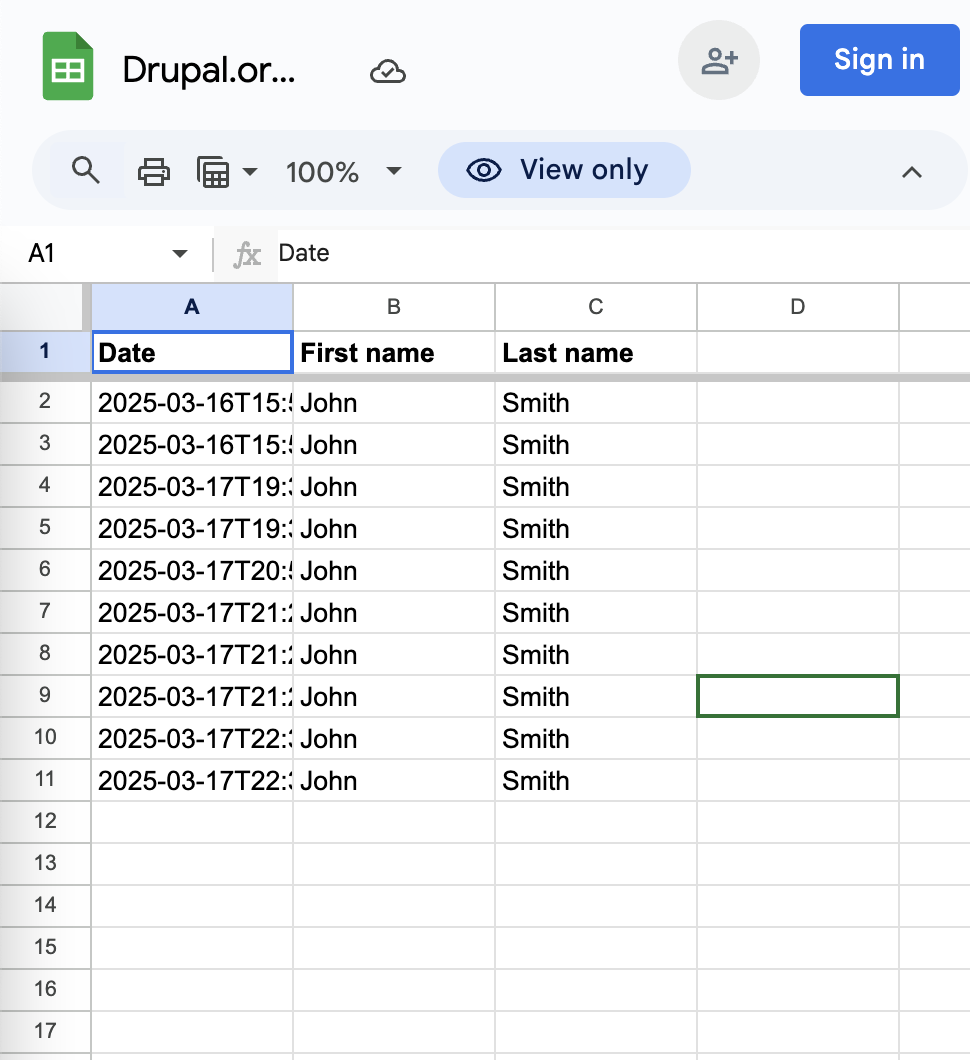
Webform Google Sheets adds a Webform handler that appends new Drupal Webform submissions to a selected Google Sheets worksheet using the Google Sheets API.
It is useful for teams that collect leads, applications, surveys, event registrations, support requests, or operational intake forms in Drupal but need the submitted data available in Google Sheets for review, reporting, handoff, or lightweight workflows.
 |
➡ |
 |
Features
- Append each new Webform submission as a row in Google Sheets.
- Configure the integration per webform through Webform handlers.
- Connect through Google API Client using a Google service account or OAuth client.
- Select the target spreadsheet and worksheet from a Google Sheets URL.
- Choose which submission data and element values are sent.
- Support multi-value and composite Webform elements.
- Optionally preserve empty values or combine multi-value answers into one column.
- Convert submission timestamps into Google Sheets-friendly date/time values.
- Dispatch success and error events for custom integrations, logging, and monitoring.
Requirements
- Drupal 10.3 or Drupal 11
- Webform module (^6.0)
- Google API Client module (^4.0)
- Google Cloud Platform access with Google Sheets API enabled.
Documentation
Overview
How Webform submissions are added to the Google Sheet spreadsheet using the Google API PHP Client and a Google service account.
Install and configure
Step-by-step instructions for installing and configuring the Webform GoogleSheets module, including setting up the Google Sheets API, creating a service account, generating a private key, and configuring the Google API PHP Client module.
Configure webform
How to configure webform to append rows to Google Sheets spreadsheet using the handler provided by this module.
Troubleshooting
Resolve common issues with Webform GoogleSheets.
Supporting organizations:
Development sponsorship
Project information
 Minimally maintained
Maintainers monitor issues, but fast responses are not guaranteed.- Maintenance fixes only
Considered feature-complete by its maintainers. - Project categories: Integrations, User engagement
- Ecosystem: Webform, Google API Client
 536 sites report using this module
- Created by elaman on , updated
 Stable releases for this project are covered by the security advisory policy.
Look for the shield icon below.


