



Synopsis
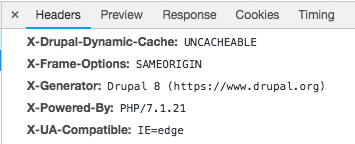
This module can be used to set the x-frame-options header on your website with the appropriate directive. This might be useful when you want to include one of the pages of your site inside an iframe in another site.
The directives must be:
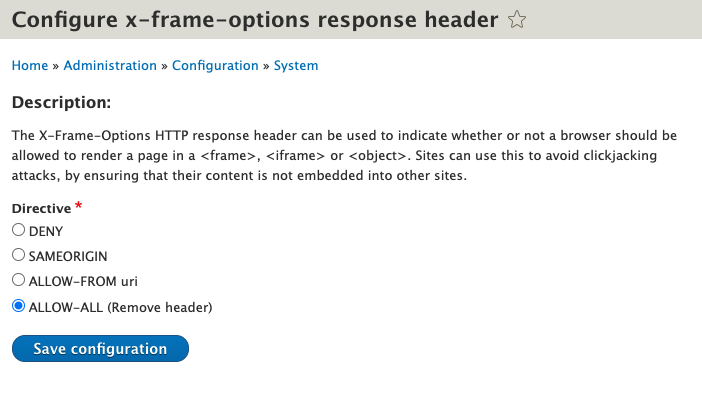
1. DENY
2. SAMEORIGIN
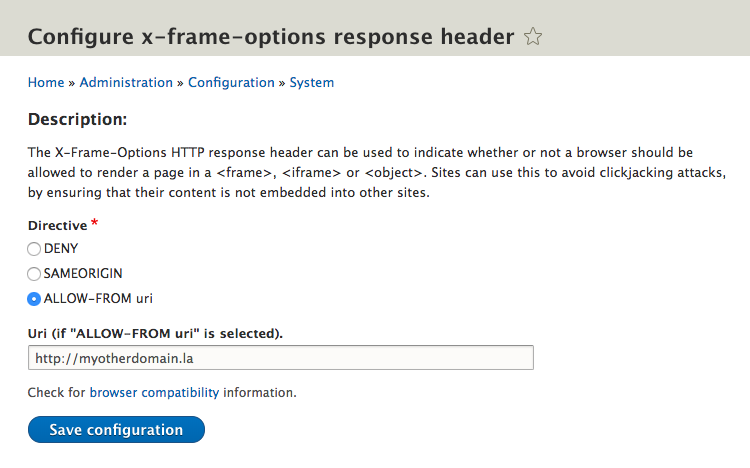
3. ALLOW-FROM uri (Currently [2021-03-15] not accepted by Chrome, Safari, Opera). You will be allowed to configure which uri.
There is a new option in the module to not use the header: ALLOW ALL.
Notes:
The X-Frame-Options HTTP response header can be used to indicate whether or not a browser should be allowed to render a page in a <frame>, <iframe> or <object> . Sites can use this to avoid clickjacking attacks, by ensuring that their content is not embedded into other sites.
More info regarding the x-frame-options response header here: https://developer.mozilla.org/en-US/docs/Web/HTTP/Headers/X-Frame-Options.
Installation
Install as you would normally install a contributed Drupal module. Visit: https://www.drupal.org/docs/8/extending-drupal-8/installing-drupal-8-mod... for further information.
composer require drupal/x_frame_options_configuration
Notice the module is x_frame_options_configuration not x_frame_options (as I had initially)
Enable the module with Drush:
drush en -y x_frame_options_configuration
Configuration
Go to Configuration » System » X-frame-options header (/admin/config/system/x_frame_options_configuration/settings) and select the directive you want to use and if asked type the uri you will allow to render your site from.
Project information
- Project categories: Developer tools
 2,639 sites report using this module
- Created by efrainh on , updated
 Stable releases for this project are covered by the security advisory policy.
Look for the shield icon below.
Releases
released 2 April 2026
Fix error on D11
Development version: 8.x-1.x-dev updated 2 Apr 2026 at 20:16 UTC

