

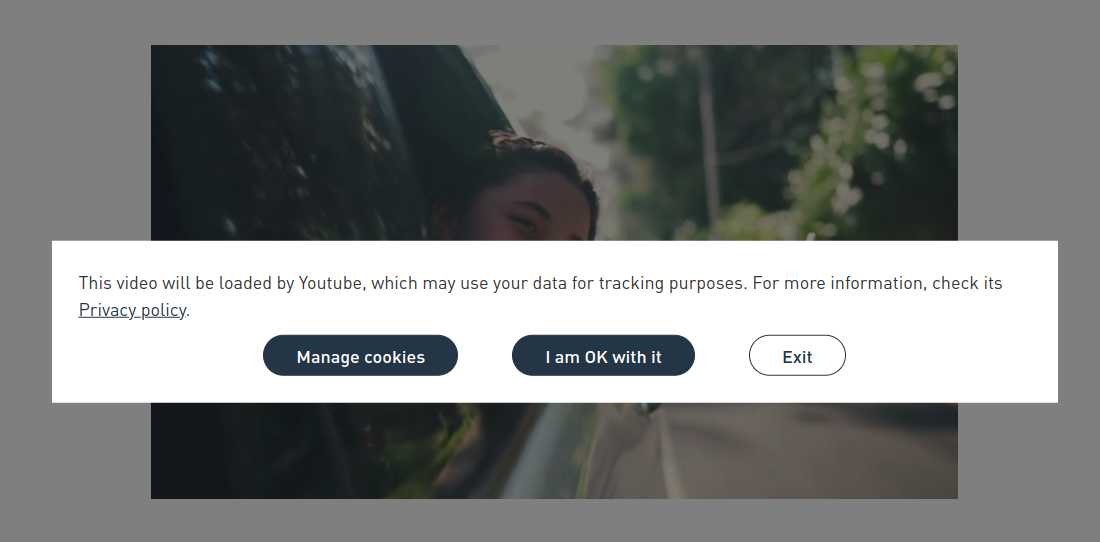
This module attempts to make the YouTube videos played on the site with the cookie privacy policy. If the user has not enabled the YouTube-related cookies, the YouTube videos will be displayed with a façade.
Compatibility
- OneTrust
- EU Cookie Compliance
Integrations
- Iframe field type
- CKEditor: Filter to prevent loading YouTube iframes.
Configuration
- Go to /admin/config/system/youtube-cookies
- Fill the "Cookie category" with the category machine name that should be accepted to play the YouTube videos.
- Select your "Cookie compliance system".
- Set the "Action when the user have not consent".
NOTE: The youtube-nocookie.com domain option is deprecated as it is not fully GDPR compliant and will be removed in future versions. - Customise the pop-up message and save it.
To block YouTube videos added via CKEditor, go to the text format and enable the "YouTube cookies filter".
Supporting organizations:
Module development
Project information
 528 sites report using this module
- Created by omarlopesino on , updated
 Stable releases for this project are covered by the security advisory policy.
Look for the shield icon below.


