



This module allows retrieving youtube channel videos on the website.
It will helpful module for those who want to integrate own youtube channel videos to the website in less time.
This module very useful for News Channel, Educational, Entertainment, Social, etc. because they upload videos to youtube on daily basis. You can easily integrate youtube with the website.
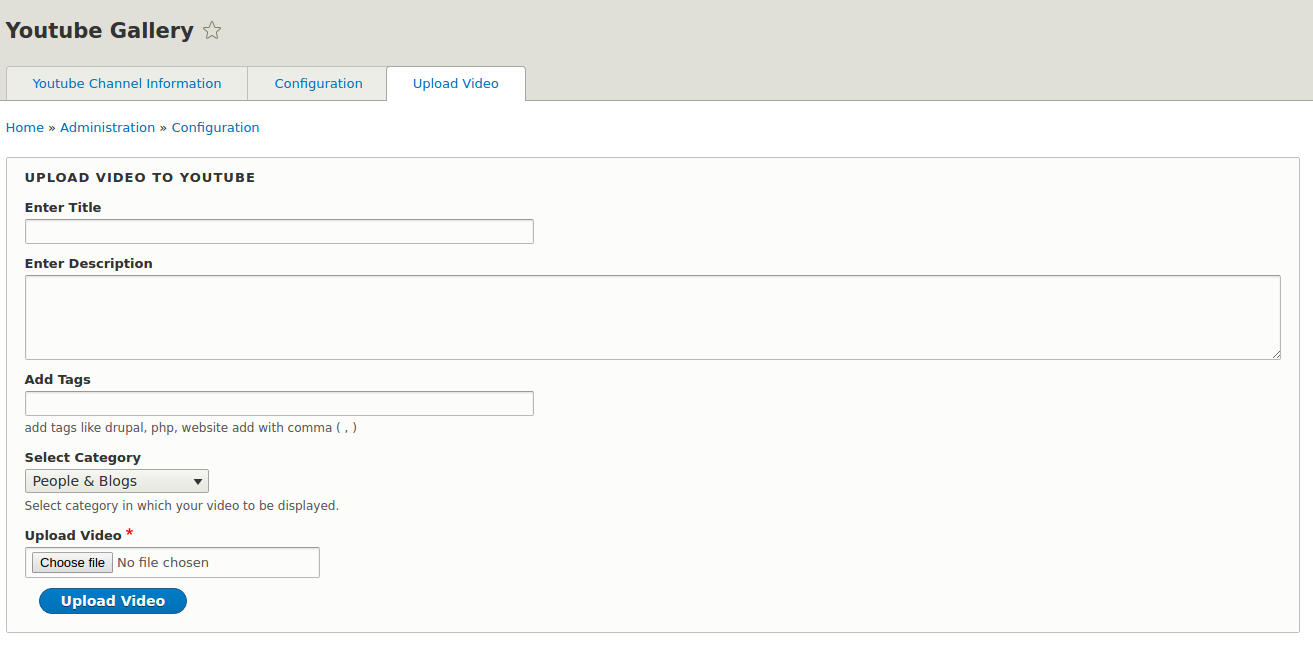
No need to upload videos to the server, directly upload videos to youtube channel and retrieve to the website with the using of this module.
Requirements
Go to from Google Developers Console click on Youtube Data API and get new api key.
Installation
composer require drupal/youtube_gallery:'^1.3'
drush ytg:libraries
Configuration
- Visit https://console.cloud.google.com/ , log in with the account that owns your youtube channel and configure youtube api , get the (google api key) and then get your Youtube channel ID from your youtube channel.
- visit
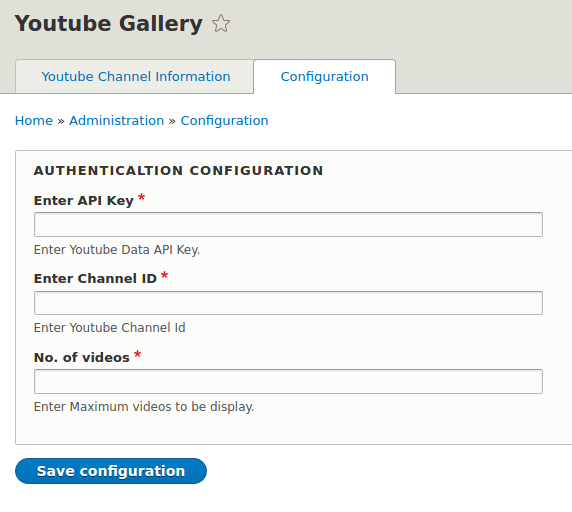
/admin/config/youtube_gallery/manage - Enter your Google API key
- Enter your Youtube Channel ID
- Enter the number of videos
- Save the form.
- Add the youtube block either via the /admin/structure/block or some other means and configure the visibility.
- That's it, visit the page(s) with the block and your channel videos will be there.
- See the README.md for more details.
README.md
Project information
- Project categories: Integrations
 657 sites report using this module
- Created by cmsminds on , updated
 Stable releases for this project are covered by the security advisory policy.
Look for the shield icon below.
Releases
released 6 February 2026
Added sort options.
Development version: 8.x-1.x-dev updated 6 Feb 2026 at 02:47 UTC


