


Experimental project
This is a sandbox project, which contains experimental code for developer use only.
This module adds an additional layer of security to the authentication of users on your Drupal site using LoginTC two-factor authentication. Using this module, a user enters their username and password and then they must approve a request on their mobile device to complete the authentication process. Even if a hacker gets the user's password, they won't be able to authenticate without the user's mobile device.
Installation
- Get the source code:
git clone --branch 7.x-1.x logintc@git.drupal.org:sandbox/logintc/2193031.git logintc - Open the directory:
cd logintc - Get the Git submodules:
git submodule init && git submodule updateto get the logintc-php library
Once installed, go to https://cloud.logintc.com/panel/register to create a free account to get an API key and to add a test user.
Configuration
- Enter your API key, domain ID
- Select which user roles must authenticate with LoginTC
Usage
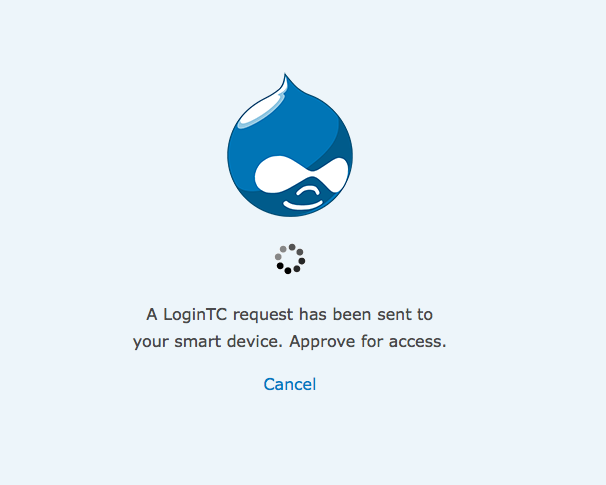
Log in using a user's username and password. The LoginTC module traps the login attempt and displays a notice to approve the authentication request. When the user approves, the user authentication completes.
Project information
- Project categories: Security, Access control
- Created by LoginTC on , updated

