

 The 2026 Drupal Business Survey is open. Your response will help shape the future of the Drupal business ecosystem.
The 10 Drupal SEO Modules That Matter in 2026 — and How to Configure Each One Properly
The definitive configuration guide to Drupal's SEO module stack: Pathauto, Redirect, Metatag, Simple XML Sitemap vs XML Sitemap, Schema.org Metatag, and five more — with the exact settings I use on every build and the mistakes I keep finding in audits.
Drupal to Headless: The Node IDs That Break the Move
When you move a Drupal site to a headless CMS, the thing most likely to break silently is not your content. It is the invisible wiring between pieces of it. Drupal stores relationships as numeric IDs (node 4127, term 88, media 903), and almost every headless platform mints brand-new IDs the moment you import. So every taxonomy tag, every embedded image, every "related articles" block that pointed at an old number now points at nothing, or worse, at whatever content happened to inherit that number. The pages still render. The links inside them just quietly go nowhere. Here is the scene that keeps happening. The migration "succeeds." Every article is present, the word counts match, everyone high-fives. Then two weeks later someone notices the related-content sidebar is empty on 8,000 pages, half the article hero images resolve to a 404, and the tag pages that used to rank now list either…
From Headless CMS to AI Harness: What I Took to Decoupled Days
Drupal turns decoupled architecture into a governed AI harness, combining live visual editing with agent-ready content schemas.
Talking Drupal #566 - DrupalEasy: Responsible Drupal AI
Today we are talking about Drupal, AI, and learning to use it responsibly with guest Mike Anello. We'll also cover Entity Mesh as our module of the week.
For show notes visit: https://www.talkingDrupal.com/566
I’m Joining Acquia!
I’m Joining Acquia!
mherchel
Thu, 08/20/2026 - 11:10
A conversation in Cartagena
A conversation in Cartagena
Imagen
 I spent part of a trip talking with an architect and a facade specialist about how buildings behave, and then about when to service them. The systems hold the facts. A person holds the reasoning that turns those facts into a decision, and nobody writes that part down.
I spent part of a trip talking with an architect and a facade specialist about how buildings behave, and then about when to service them. The systems hold the facts. A person holds the reasoning that turns those facts into a decision, and nobody writes that part down.
Why and how to migrate your DotNetNuke (DNN) site to Drupal
Running on DotNetNuke (DNN)? We highly recommend a CMS migration to the latest release of Drupal. It is packed with all the features you have been wishing for! Learn why you should make that move and how you can do it.
Submissions are closed. Nominations coming soon!
The International Splash Awards 2026 have reached a new milestone, with 40% more submissions compared to last year.
Image
A huge thank you to everyone who submitted a project and helped make this year’s edition even bigger.
The jury is now reviewing the submissions, with nominations set to be announced in early September.
We look forward to celebrating the projects and teams behind them during DrupalCon Rotterdam 2026.
Stay tuned. The nominations are coming soon.
DrupalCon Rotterdam 2026 T-Shirt Design Contest
Thank you to everyone who submitted a design and shared their creativity with the community, and to everyone who took part in the voting. The five finalist designs showed the imagination and community spirit that make DrupalCon so special.
Meet the winning design Image

The Drupal community has spoken!
After an open public vote, Juliane Vöske’s design has been selected as the official DrupalCon Rotterdam 2026 T-shirt.
Her winning design will be worn by attendees from across the global Drupal community. This is the T-shirt that will bring us together in Rotterdam.
See you there!
TDT August Town Hall Tracks Editorial Shift and Wider Community Outreach
The Drop Times is reducing routine summaries while putting more effort into original reporting, technical coverage, media partnerships, and community participation.
Drupal code query MCP Server
Drupal code query MCP Server
A few months ago I put an api online to search and query the whole Drupal code ecosystem. With the release of some more capable local AI models I thought it could be good to release a MCP server with that same data optimized for LLM use. Same data, different packaging. The address for the MCP server is:
Add the server to your setup of choice and you'll be able to ask things like:
theodore August 20, 2026New functionality and an updated look for academy.drupaleasy.com
We recently spent some quality time with Claude Code to (finally!) update academy.drupaleasy.com, the training home for DrupalEasy's workshops and courses. We had several goals for the update, all of which we have achieved: A consistent, modern look Improved accessibility Verified class completion pages Office hours attendance statistics Prepare for the Drupal 11 upgrade If you've never taken a DrupalEasy course, then (sadly) there won't be too much for you to see. But, for our hundreds of alumni, this upgrade hopefully provides a big improvement and some fun aspects as well. New look We admit it, design isn't our thing - it's always something that we contract out. In this case, we used Claude Design and Claude Code to update the site with a modern, flat design (really original, we know!) Accessibility While building out the new theme, we used the Drupal AI best practices' drupal-accessibility skill to continually ensure that changes we were making met the WCAG 2.2 AA standard
Artificial Stupidity, Revisited
 For 30 years we write all our code by hand in BBEdit, the BOA Drupal hosting stack included, and until recently the smartest chatbot money could buy couldn't produce three bash scripts aware of each other, so our verdict was simple: a modern Stack Overflow, and not much else. Then 2026 arrived, and the documentation BOA was owed for 16 years finally got done – after one model fabricated most of it behind our backs, and a better one caught it red-handed and fixed it all, section by section, in four voices for four different audiences. Add a security review of the codebase, end-to-end test suites our old Jenkins could never run, and hosted Drupal and Backdrop sites defended against machine-made attacks, and you will see why we finally stopped joking about Artificial Stupidity.
 Migrating to Drupal CMS: From Classic Drupal & Other Platforms
Technical Blog Series
Introduction
The conversation at DrupalCon Rotterdam 2026 won't just be about what Drupal CMS 2.x can do — it will be about how teams are actually getting there. Migration is the real-world bridge between the platform you have today and the Recipe-driven, Canvas-powered experience covered in Post #1 of this series.
This post is a hands-on guide covering the three migration paths developers are navigating in 2026, the tools that power each one, and the common pitfalls that derail projects weeks or months into execution. We'll go deep on the Migrate API, look at real YAML definitions, and document the failure modes you're most likely to hit — along with their fixes.
Understanding What You're Actually Migrating
"Migrating to Drupal CMS" covers three structurally different problems. The tools, timeline, and risk profile are different for each:
Your Current Platform
Migration Type
Primary Tooling
Drupal 7
Data + platform upgrade
Migrate API + Migrate Drupal
Drupal 9 / 10 / 11 (classic)
Layer adoption, no data move
Recipes + Canvas adoption
WordPress / Joomla / AEM / Sitecore
Full platform replacement
Migrate API + custom source plugins
Knowing which one you're doing early — before scoping or quoting — is the single biggest factor in accurate estimation.
A First Look at the DrupalCon Orlando Venue
This is cross-posted from Mike Herchel's blog
A few weeks ago, I met up with some of the DrupalCon Orlando local planning committee at the Hyatt Regency Grand Cypress Resort to check out the venue and finalize a bunch of plans.
We toured the resort, planned events, sampled food and drinks (strictly for quality assurance, of course), floated around the pools, and spent way too much time talking about all the fun stuff we're putting together.
After seeing everything in person, I'm convinced this is going to be the best DrupalCon ever!
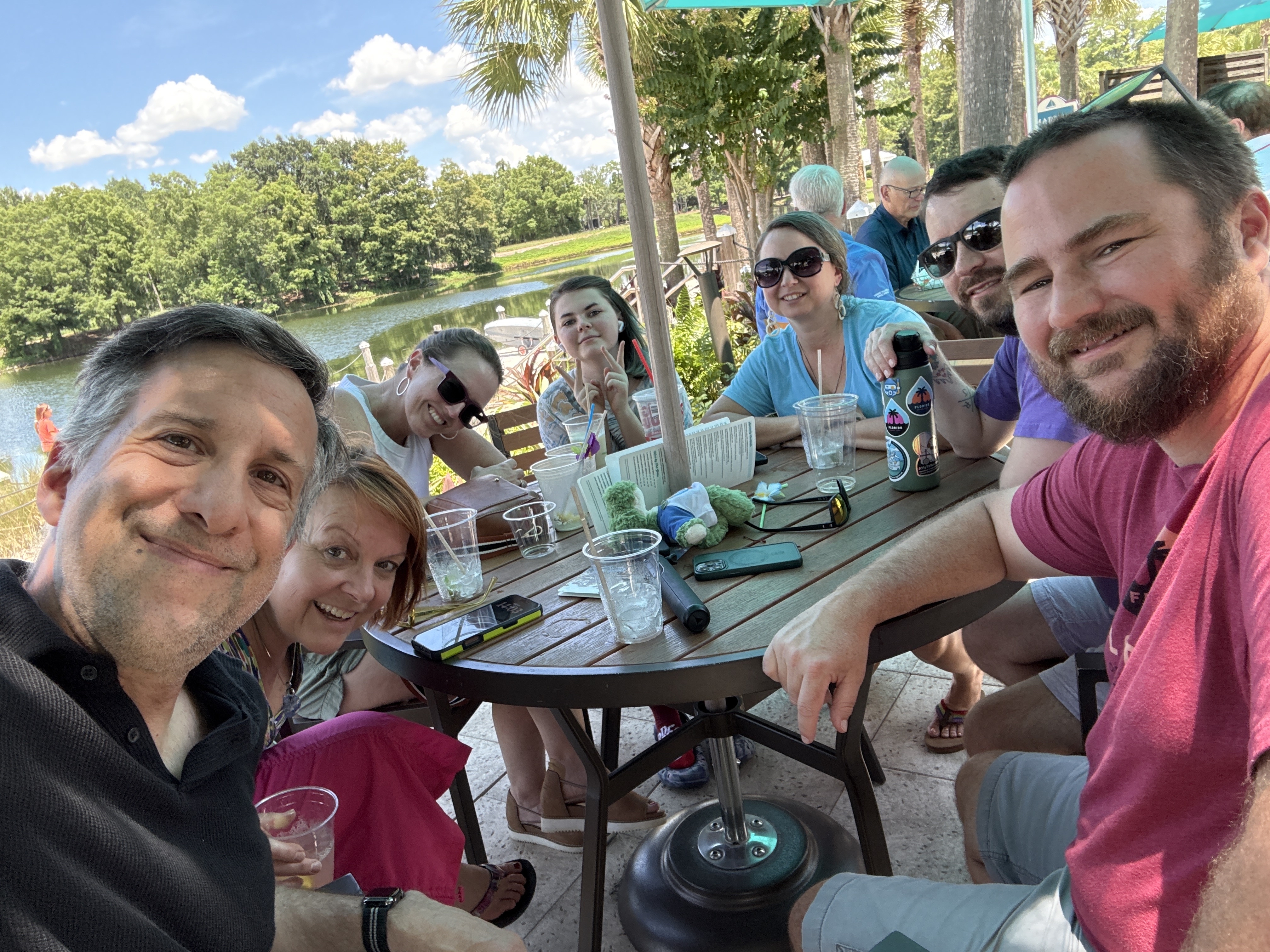
If you've been to previous DrupalCons, one thing you'll notice right away is that this one is going to have a different vibe. Normally we're in a downtown convention center where you can walk to bars, restaurants, coffee shops, and whatever else you stumble across.
This isn't that. The Grand Cypress sits in the middle of Orlando's resort area near Disney. If you want to leave the property, you'll probably grab an Uber or Lyft. Disney Springs is only about 10 minutes away, and the parks are just beyond that.
But honestly... I don't think most people are going to want to leave. This resort is awesome.
Instead of everyone scattering around downtown after the sessions end, I think we're going to end up hanging out together around the resort having poolside cocktails, or smores by the fire pits. And after spending the weekend there, I think that's going to make for an even better conference.
Kristen Pol Explains How Drupal’s Context Control Center Governs AI Context
Drupal teams can govern the context supplied to AI agents, but they cannot make model behaviour deterministic. Kristen Pol explains why that distinction matters when evaluating CCC for policy-sensitive and production-facing workflows.
How to use AI for Drupal SEO: Internal Linking explained
AI-powered internal linking in Drupal uses vector search and LLMs to surface relevant links as you write. Read this blog to learn how it works and which modules to use.
Agent Skills Share a Format but Not a Distribution Model
A portable SKILL.md file does not guarantee portable installation. Drupal now has Composer-aware skill aggregation, while its maintainers are debating how much distribution logic belongs in Drupal rather than the wider Agent Skills ecosystem.
ExperienceKit: Drupal Single Directory Components - What Your Pages Are Actually Made Of
Single Directory Components (SDC) are the biggest change to Drupal theming in a decade, and one of the quietest. There was no page-builder launch, no new screen to learn, just a simple answer to a question Drupal front-end developers had been asking for years: why are all the pieces that make up one part of a page scattered across five different folders?
Making Entity Pager module API-first
Making Entity Pager module API-first
It's funny how big ideas start.
I am doing some maintenance work on the Entity Pager module, which has been fixing bugs, improving the tests, and so on. And because Computed Field is also a module I maintain, and because I have at the back of my mind the idea of finding more use cases for it, I had the thought that I could add support for Computed Fields to Entity Pager.
Specifically, this would mean that Entity Pager would allow you to add computed fields to your entity type, which would be computed entity reference fields to the previous and next entities in the pager. As well as allowing you to output the previous and next links with more flexibility, and within the rendered entity rather than in a block, it would open up having these links in JSON:API (though there's a bug to fix still).
So, then, quite a good use case!
It does, however, require a bit of re-plumbing inside the EntityPager class.
Currently, EntityPager, expects to be instantiated within the theming for an executed view. Our computed field needs a new API which it would call with
the basic data (the view ID, display ID, and current entity), and that would take care of executing the view, extracting the data from the result, and returning it.
Pages
Subscribe with RSS 