

Introduction
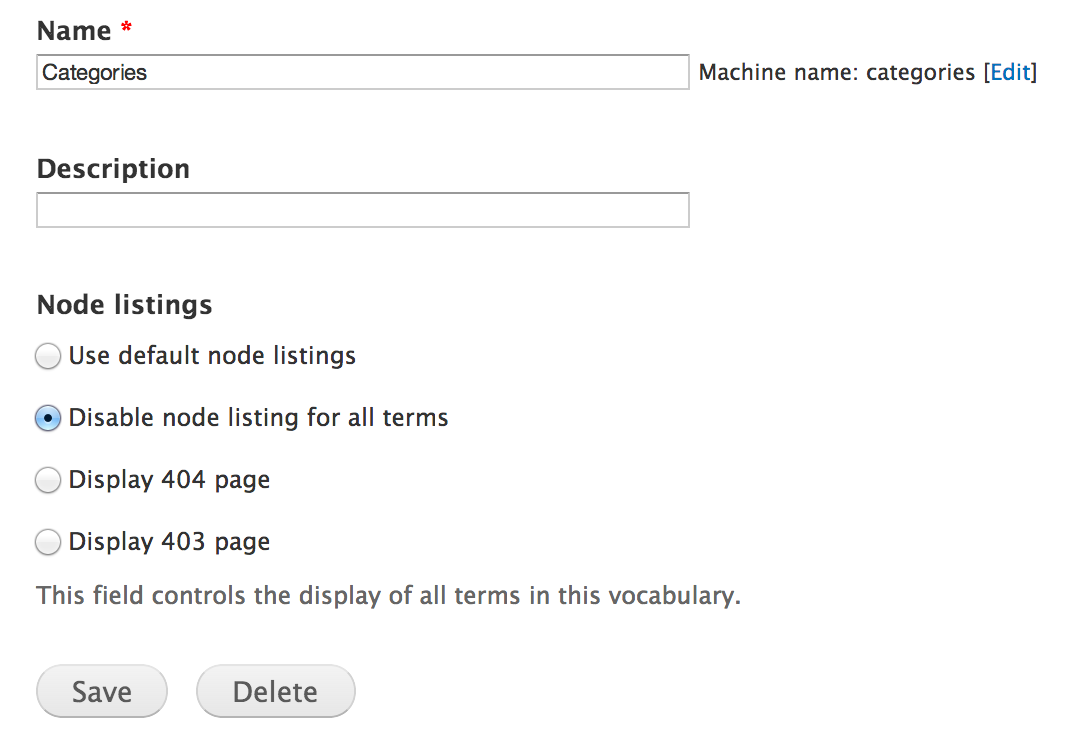
By default, on taxonomy term pages, Drupal will display a list of nodes (teaser build mode) that are tagged with that term. Disable Term Node Listing allows you to selectively disable node listings on taxonomy term pages by vocabulary. Once the listing is disabled, view blocks or views embedded using EVA: Entity Views Attachment can be used instead.
Features
- Hide node listings on terms on a taxonomy vocabulary basis.
- Present a 404 or 403 page on terms on a taxonomy vocabulary basis.
Configuration
Disable term listings for a particular vocabulary by going to the edit page [/structure/taxonomy/[vocab_machine_name_here]/edit].
Potential alternatives to this module
Project information
 Minimally maintained
Maintainers monitor issues, but fast responses are not guaranteed.- Project categories: Content display, Site structure, Developer tools
 934 sites report using this module
- Created by akeemw on , updated
 Stable releases for this project are covered by the security advisory policy.
There are currently no supported stable releases.

