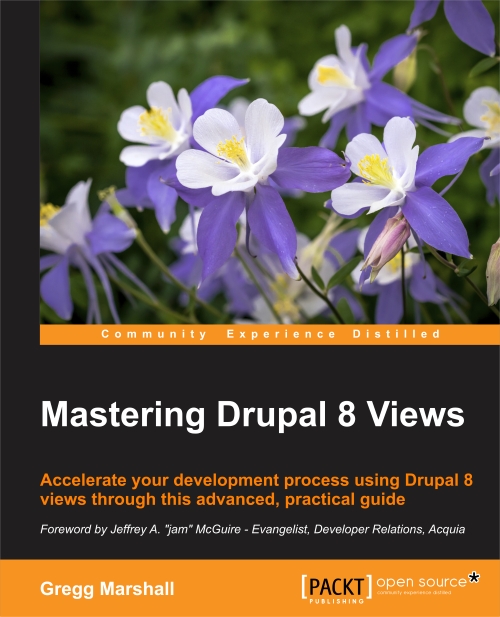
Accelerate your development process using Drupal 8 Views through this advanced, practical guide.
Key features
A practical, step-by-step guide with illustrative examples to give you a clear understanding of Drupal 8 views
Get the only book on the market that talks about Drupal 8 views and their importance for developers
Get an understanding of how views work and how they help to create modular applications
Topic and description
Learn how to build complex displays of content—all without programming.
Views was used on more than 80% of all Drupal 7 sites; now it is part of the Drupal 8 core. While many site builders and site owners are aware of Views, they don't understand how to take full advantage of its power to create many amazing pages and blocks. If they are using Views, they might build 10 different view displays with different filters, without knowing that a contextual filter would require only a single display.
Using our sample company, we'll take its existing content and evolve an ever more complex and powerful website for that company, starting with adapting the administration the user sees and moving on to making complex pages of information for site visitors.
While the book is written for Drupal 8, the similarities between Views in Drupal 7 and 8 make this a useful reference for Drupal 7 site builders also.
What you will learn
Create displays of content that are automatically updated when you add new content
Show maps and rotating image carousels on your site
Combine content to create composite displays using the same data in different ways
Use fields from more than one content type to create powerful views of multi-table data
Modify the field data being displayed, combining it in different ways or changing the HTML that might be normally generated
Add headers and footers above and below a views display
Make the output of your view look exactly as the designer specifies
Change the order in which a list of content is displayed, and limit the content shown to certain content types or values
Filter content using values passed to the view in the URL, making a single view work in different ways
I am using Views for term reference entity, whenever I update my View, I get a huge page of code, which I have to click back and then refresh to see the changes. Why is this happening? Here is some of the code that comes up:
I want to create clickable thumbnails on a homepage. They should link to their content.
So there is a content type and every instance of this content type has an image "thumbnail". I have a view that displays my thumbnails...
I can't figure out how to make either an image or a div in views link to the content.
In regards to: User Relationship Module and User Relationships Node Access Module.
I have the user Relationship Module installed and the extra addon module that it comes with "User Relationships Node Access Module" which states in the module list "Provides per node access control based on relationship to author".
I made an inventory management, that was easy, I just did the content type product with its respective fields of cuantity, and others.
In a view I did 2 tables the normal stock and the critic stock, where I show the name of the product, the quantity and 2 buttons for each product, the button (+) and the button (-) those buttons are for add or remove products of the stock, you understand, this is an example
I have a hierarchical taxonomy vocabulary that looks like that:
Term 1
- Subterm 1
- Subterm 2
- Subterm 3
Term 2
- Subterm 4
- Subterm 5
Term 3
Term 4
What I would like to achieve is to show 2 menu blocks representing each hierarchy but limit the menu items' visibility based on node permissions. I am using ACL/Content Access to grant users a per-node access as well as views to generate the menu blocks.