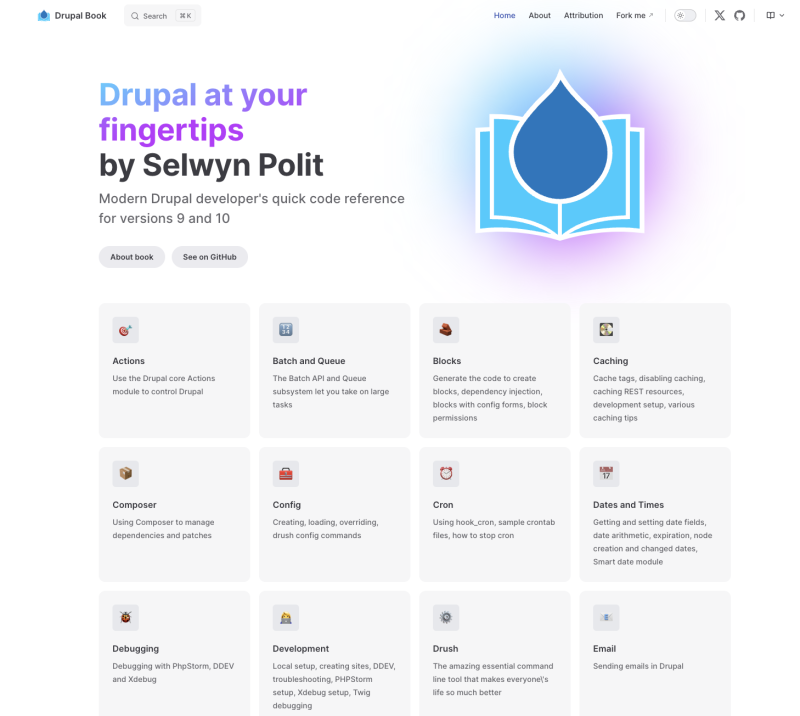
Drupal at Your Fingertips is a free living Modern Drupal reference book created to help developers quickly find code they need. It is a community effort including other developers' input. Please share it with your network.
Some of the chapters include:
Actions - Use the Drupal core actions module to control Drupal.
Batch and Queue - Digging into the Batch API and Queue subsystem to take on large tasks.
Drush - Installing and using Drush, generating code, scaffolding modules, creating entities, updating database, debugging site, and running tests.
Forms - Creating and altering forms, form elements, form validation, form submission, form redirection, form states, form storage, form AJAX, form theming, and form API.
Hooks - Understanding the hook system, implementing hooks, altering hooks, invoking hooks, creating custom hooks, and debugging hooks.
Menus - Creating and altering menus, menu links, menu trees, menu blocks, menu templates, menu preprocess functions, and menu API.
Routes and controllers - Creating and altering routes, route parameters, route requirements, route options, route controllers, route access, route responses, and route API.
Services and Dependency injection - Understanding the service container, creating and altering services, service definitions, service arguments, service tags, service injection, service discovery, and service API.
Testing - Writing and running PHPUnit and Drupal Test Traits tests.
Twig - Using and extending Twig, Twig syntax, Twig filters, Twig functions, Twig variables, Twig templates, Twig debugging, Twig caching, and Twig API.
Update - Upgrading and patching Drupal and contrib modules.
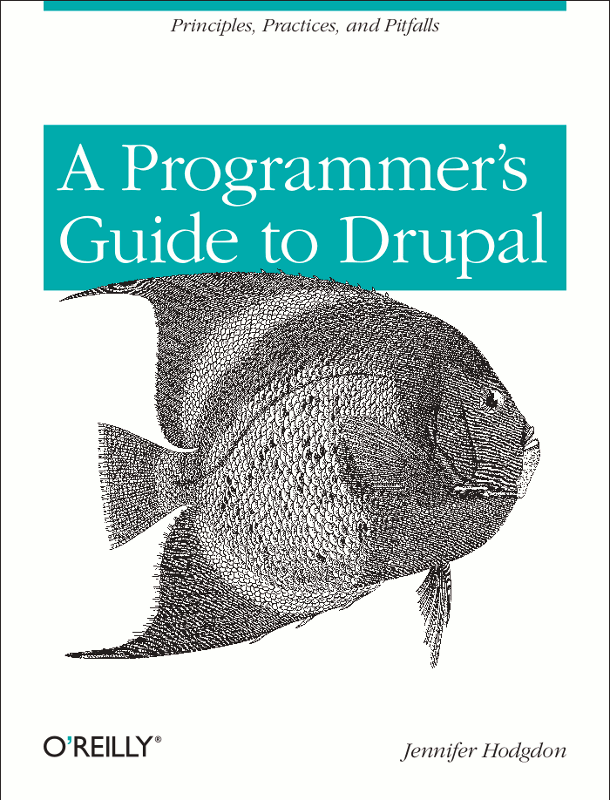
Note: This edition is out of print. The 2nd edition of this book is now available; contains all of the content of the first edition, plus Drupal 8 content.
If you’re a web programmer new to Drupal, this book shows you which programming techniques you can use—and which you should avoid—when building custom web applications with this content management framework. Drupal has its own set of programming principles that require a different approach, and many programmers make mistakes when relying on skills they’ve used for other projects. The guidelines in this book help you through the transition by demonstrating which programming practices conform to the “Drupal way,” and which don’t.
If you’re familiar with PHP, you’ll quickly learn how to take advantage of the powerful Drupal API.
Get a complete overview of Drupal, including Drupal core and add-on modules and themes
Learn Drupal’s basic programming principles, such as the ability to customize behavior and output with hooks
Discover common Drupal programming mistakes—and why hacking is one of them
Explore specific areas where you can put your programming skills to work
Learn programming tips and tools to help you perfect and debug your applications