


AI Automator Pixabay is an extension module for the AI Automator in the AI module that exposes two new automators to make it possible to automate the seeding galleries or header images from the Pixabay stock image directory.
The automators are pretty simple - they take a search word and searches Pixabay for this and fetches the amount of images that you want. These then gets filled in either an image or media field.
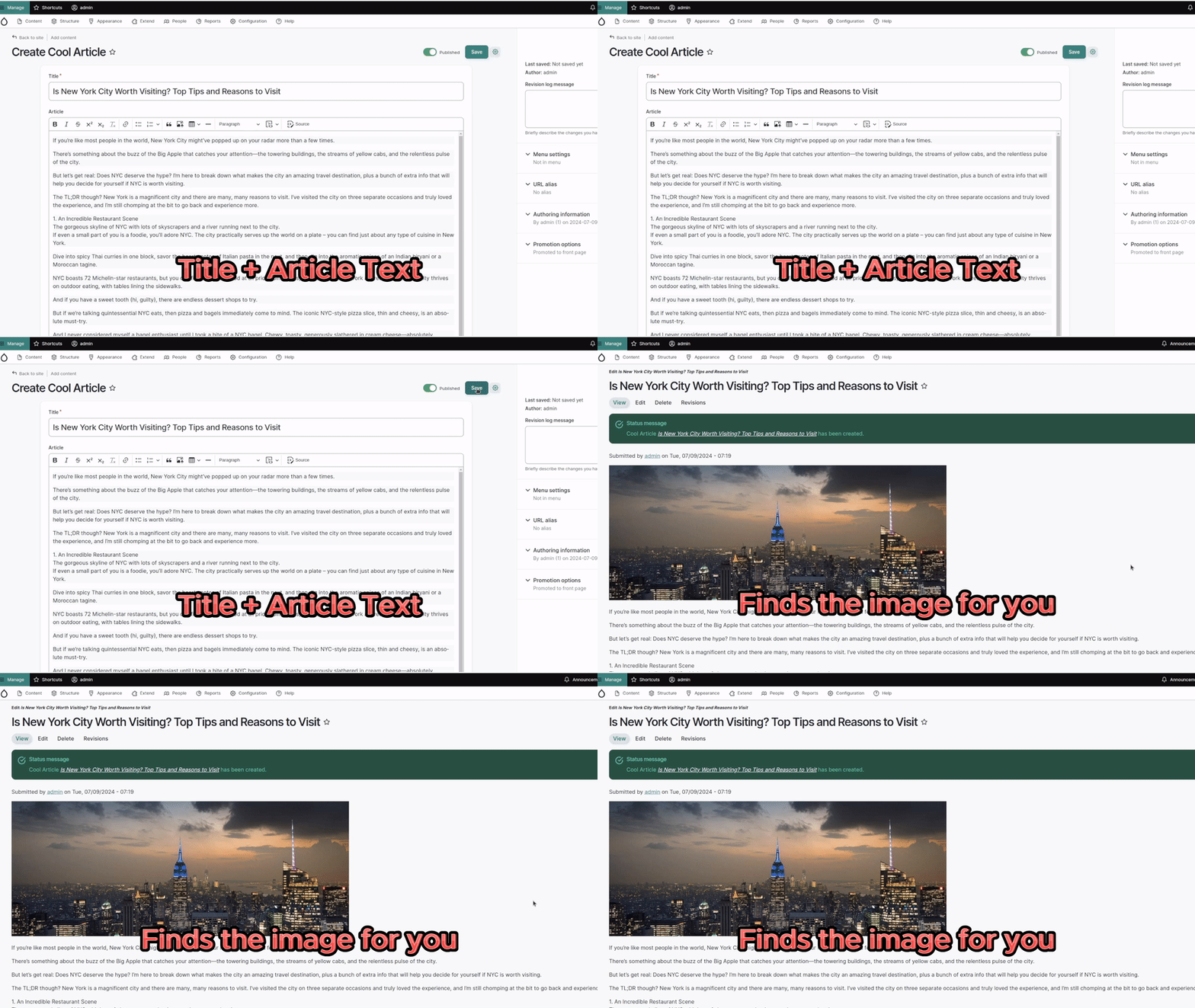
Take an article text, use LLM to create a search word and generate a media entity from Pixabay.
Note that this supersedes the AI Interpolator Pixabay for Drupal 10.3+ with the AI Automator module.
For more information on how to use the AI Automator (previously AI Interpolator), check https://workflows-of-ai.com.
Features
- Take a search word (that can have been generated in a chain) and create one or many images or medias from it.
Requirements
- Requires an account at Pixabay.
- Requires the Media Pixabay module.
- Requires the AI Automator submodule of the AI module project.
How to use as AI Automator type
- Install the AI Automator module and the Media Pixabay module.
- Install this module.
- Visit /admin/config/media/pixabay and add your api keys from your Pixabay account.
- Create some entity or node type with a simple text field.
- Create an image or media field.
- Enable AI Automator checkbox and configure it.
- Create an entity of the type you generated, fill in some search words and save.
- The file or media should be there.
Sponsors
This module was supported by FreelyGive (https://freelygive.io/), your partner in Drupal AI.
Supporting organizations:
Development of the 2nd version of this module
Development of the 1st version of this module
| Attachment | Size |
|---|---|
| pixabay.gif | 848.61 KB |
Project information
- Project categories: Content editing experience, Integrations, Media
- Ecosystem: AI (Artificial Intelligence)
- Created by marcus_johansson on , updated
 Stable releases for this project are covered by the security advisory policy.
There are currently no supported stable releases.
Releases
1.0.0-beta1
released 10 October 2024
Works with Drupal: ^10.3 || ^11
Install:
Development version: 1.0.x-dev updated 23 Nov 2024 at 10:42 UTC


