

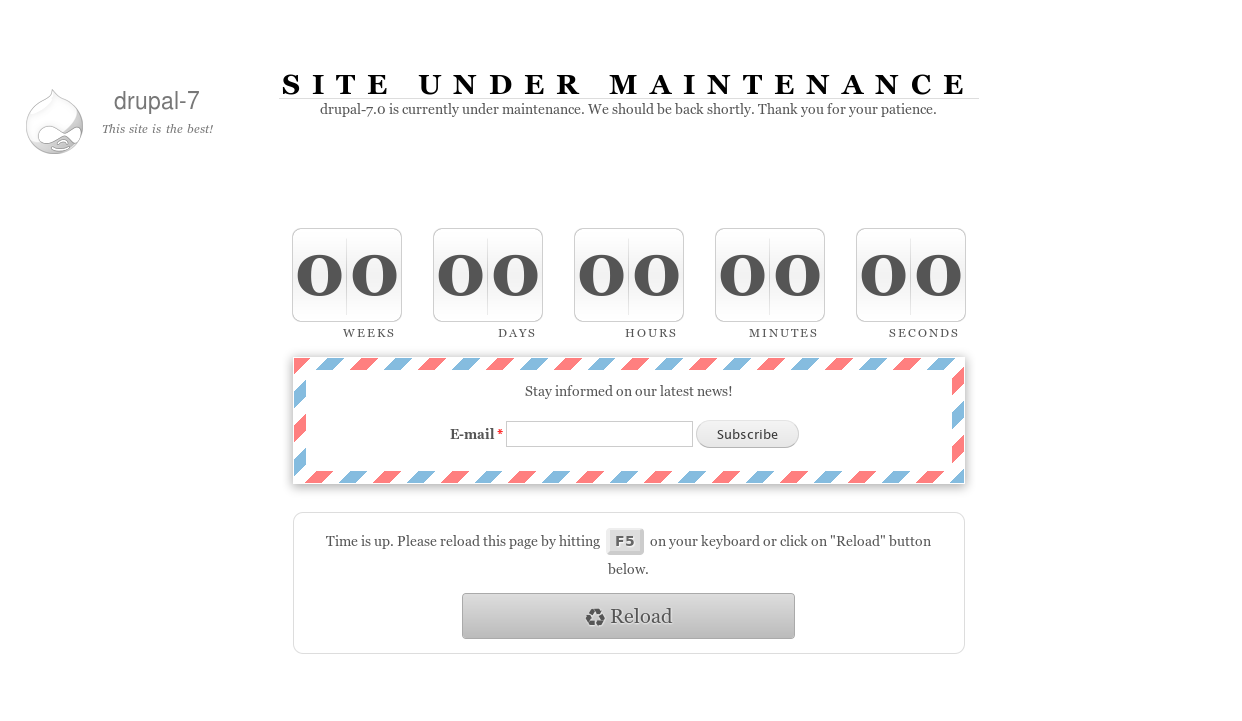
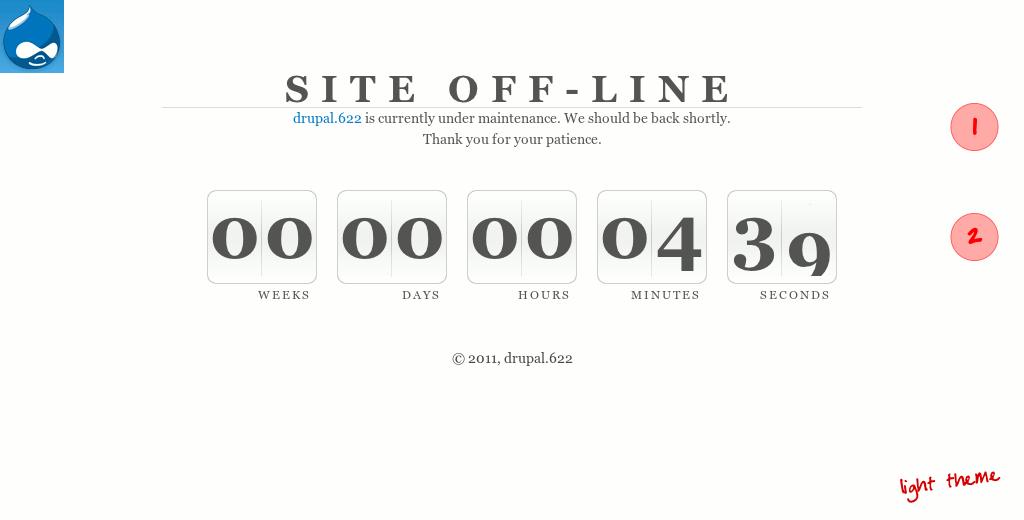
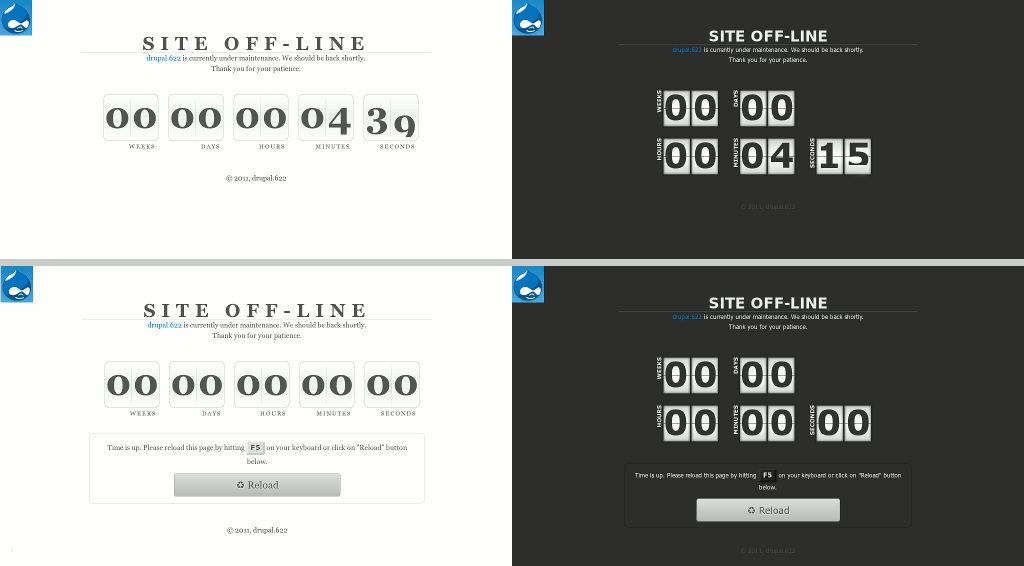
Maintenance countdown module provides its own maintenance page with countdown timer, time for this timer can be set in the admin interface. Otherwise, if you don't set time, will be shown a normal Drupal maintenance page or from your theme.
This module based on jQuery Countdown plugin with little changes. (You don't need download any plugins, all needed already in.)
Features
- Time for countdown (you can set months, days, hours, minutes and/or even seconds).
- [optional] Message that will be shown after time is up.
- [optional] Reload button (or no button).
- [optional] Auto-reload every 15 secs, after time is up.
- 2 themes → light and dark
- Watchdog messages: a) maintenance time, b) site online
- Simplenews intergation (D7 so far)
Usage
Did you ever wanted to show your visitors when maintenance work will be completed and website will be online again? Now you can do it. If so, follow these steps:
- Enable Maintenance Countdown module
- Goto maintenance page settings
- D6:
admin/settings/site-maintenance, - D7:
admin/config/development/maintenance
- D6:
- Set options
- Switch website to maintenance mode
- Enjoy!
Simplenews integration
If you want show subscription form and let visitors subscribe on your announcement install Simplenews module.
NOTE: While site is offline your subscribers will able read your new by email ONLY. Because no node pages will be available in maintenance mode (it's by default).
After you enable Simplenews module, you need to create your website's launch category or use default one and edit it like this:
- Select: Opt-in/out method → Single (because this method don't require confirmation email pages which will be never shown while your site is off-line)
- Check: Subscription block (that's all about it)
Then, go to maintenance page settings and select subscription form category, to be shown. Switch website offline.
Maintenance Countdown 6.x
If your Minimum cache lifetime settings are different from none, you'll need clear cache after enabling/disabling maintenance mode to changes take affect or just wait untill cache will be recreated automaticaly. Otherwise, your visitors will see cached pages. This is Drupal feature.
Русское описание
Project information
 Minimally maintained
Maintainers monitor issues, but fast responses are not guaranteed.- Maintenance fixes only
Considered feature-complete by its maintainers. - Project categories: Developer tools, Integrations
 355 sites report using this module
- Created by EllECTRONC on , updated
 Stable releases for this project are covered by the security advisory policy.
There are currently no supported stable releases.


