This project is not covered by Drupal’s security advisory policy.
INTRODUCTION
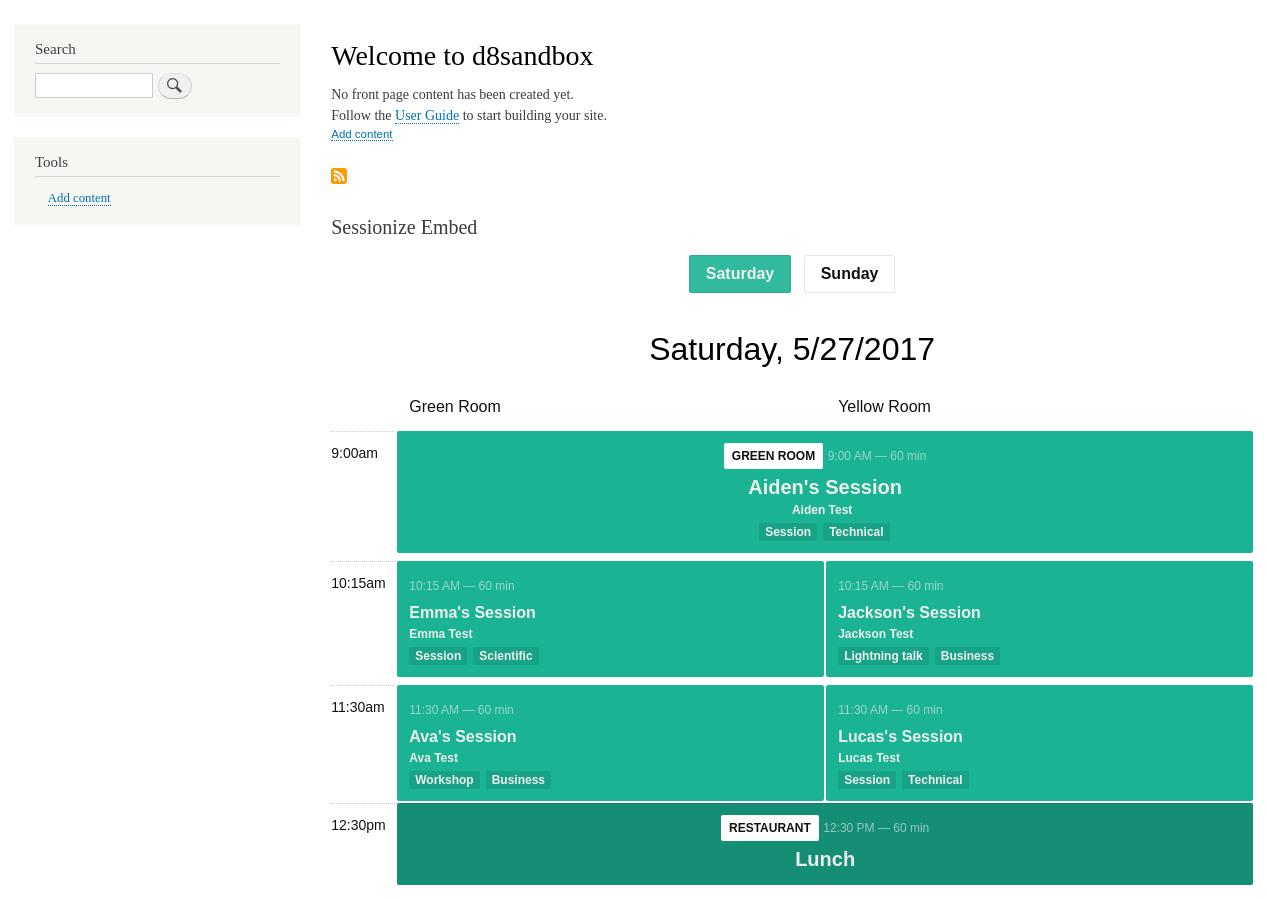
Allows the display of Sessions, Schedules, and Speakers from Sessionize.com on your Drupal 10 site.
Sessionize is a cloud-based event planning platform to help event organizers manage Call for Submissions, Speakers and Agenda for conferences.
This module was created for DrupalCampNYC in 2021, but we hope that it may be of use to other Drupal event organizers.
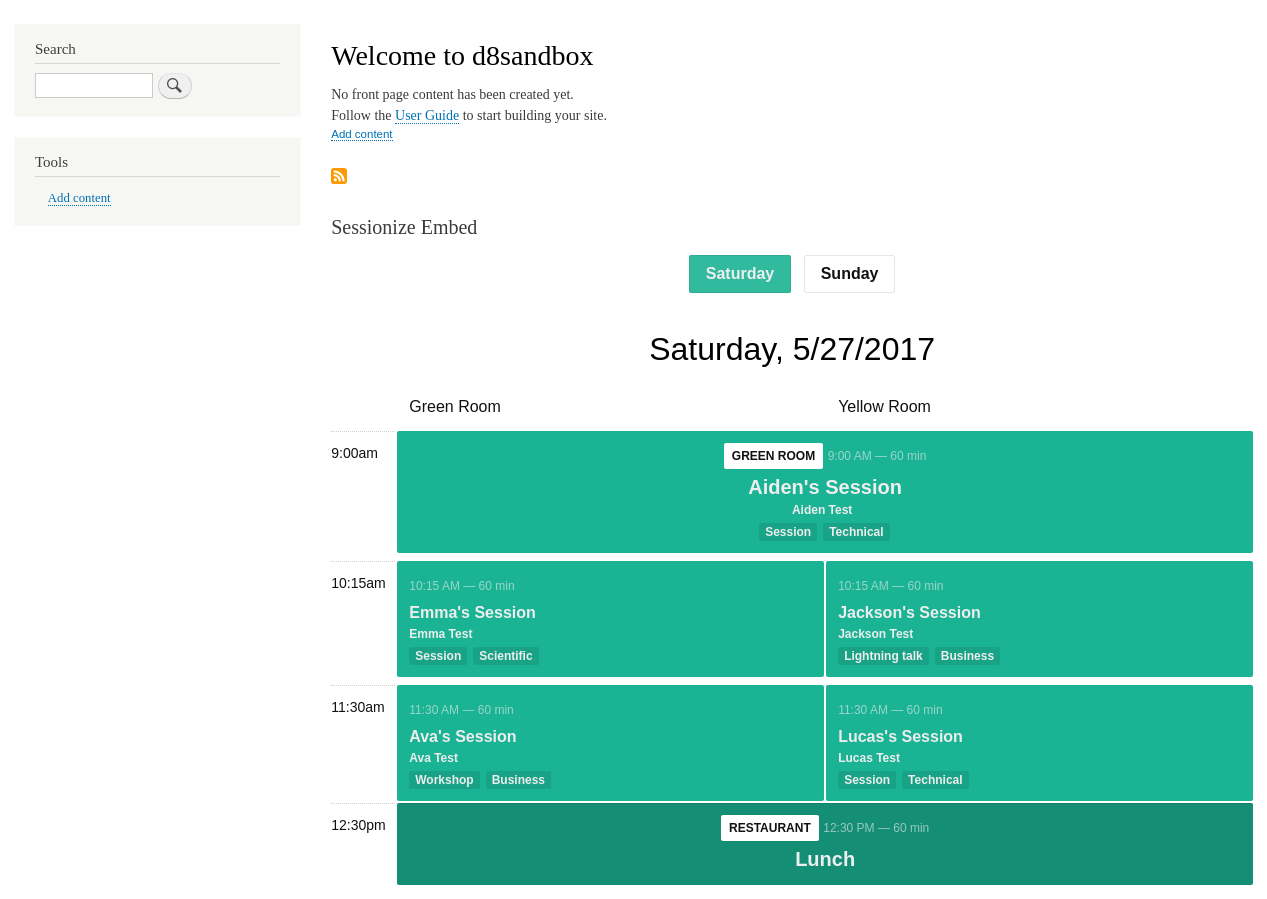
The Sessionize Embed Block module:
- provides a configurable Block for Sessionize embeds
- can be configured to display any of six different styles of embed (including four supported embeds, and two "retired" embeds)
REQUIREMENTS
The latest release is compatible with Drupal 9 and 10, but it may also still be installed with Drupal 8 to ease the upgrade path in case your site is still stuck on D8. :)
INSTALLATION
Install as usual, see Installing Modules for further information.
CONFIGURATION
- Navigate to the settings form through
Admin > Configuration > Web services > Sessionize Embed Blockor directly at path/admin/config/services/sessionize_embed_block - Enter your Sessionize web embed ID in the corresponding field.
- Select an embed style from the dropdown select list.
- These configuration values define site-wide defaults for a Block which can be added through the block interface (
Admin > Structure > Block Layout) to any of your theme's regions.
@todo post-launch enhancements
- Include config form in Block class
- Expose block config as AJAX overlay to switch ID and style without leaving the page
- Extend module from Embed to full API integration (or maybe that module should just be called Sessionize)
| Attachment | Size |
|---|---|
| Screenshot of Sessionize Embed Block in Drupal 8. | 76.97 KB |
Project information
 Minimally maintained
Maintainers monitor issues, but fast responses are not guaranteed.- Maintenance fixes only
Considered feature-complete by its maintainers. - Project categories: Content editing experience, Content display, Integrations
 7 sites report using this module
- Created by hotwebmatter on , updated
 This project is not covered by the security advisory policy.
Use at your own risk! It may have publicly disclosed vulnerabilities.