

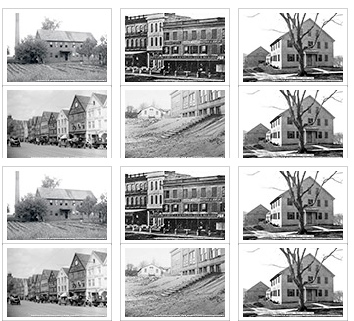
ZURB Clearing makes it easy to create responsive lightboxes with any size image with Zurb Foundation 4.x+ based themes.
Requirements
These provide enhancements to core media file handling by making file field types fieldable.
How to Use
Configure display of an Image field to use ZURB Clearing, pick your thumbnail size image style and your larger image style for Clearing, and you're good to go! You can even set what caption shows via Fields attached to the Image file entity - giving you flexibility in what to display as a caption beyond just the image title. Setting 'featured' will set the first image in the set as the featured image - showing only that image until you click it, revealing the gallery.
Additional functionality for Clearing can happen via extending the Foundation plugin framework, reference the official documentation for more information.
Project information
 Minimally maintained
Maintainers monitor issues, but fast responses are not guaranteed.- Maintenance fixes only
Considered feature-complete by its maintainers. - Project categories: Content editing experience, Content display, Media
 30 sites report using this module
- Created by kevinquillen on , updated
 Stable releases for this project are covered by the security advisory policy.
There are currently no supported stable releases.


